LinkedIn Account Restricted in 2026: Why It Happens and How to Fix It
Seeing LinkedIn account restricted, or the LinkedIn "access to your account has been temporarily restricted" screen, is stressful, especially if LinkedIn is where your pipeline lives. The good news: most restrictions are temporary, and many are lifted once you verify your identity or wait out a short pause. The less good news: LinkedIn rarely tells you exactly why, and some restrictions are permanent.
With a LinkedIn account restricted, what to do first matters most. This guide explains the reasons LinkedIn gives in its own help center, the first hour, how the appeal process works, and how to keep it from happening again if you use automation. We checked LinkedIn's help pages on October 2, 2026.
Why is my LinkedIn account restricted?
LinkedIn's help center lists four broad reasons it restricts accounts. Your warning screen may hint at which one applies.
| Reason | What LinkedIn says | Typical outcome |
|---|---|---|
| Automated tools | No third-party software or extensions that scrape, modify the appearance of, or automate activity on LinkedIn | Temporary or permanent restriction |
| Identity | Profiles that are fraudulent or don't reflect your true identity; also compromised accounts | Temporary or indefinite until verified |
| Profile content | Name, photo, experience or education that breaks the rules | Varies; egregious cases can be permanent after one violation |
| Posts and messages | Content that breaks the Professional Community Policies | Varies; you can ask LinkedIn to revisit the decision |
LinkedIn account restricted reasons we see most
- Too many actions too fast: lots of invitations, profile views or messages in a short burst. LinkedIn also limits invitations if many are ignored or marked as spam.
- Automation tools that run in your browser, scrape data or act faster than a person could.
- Logins from new places: a new country, a VPN, or several devices at once can trigger a security check.
- Reports from other members: people clicking "I don't know this person" or reporting messages as spam.
- Profile details LinkedIn can't verify: a name that looks like a business, a photo that isn't a person.
When the screen says "Access to your account has been temporarily restricted", LinkedIn usually wants you to verify something or wait. If your LinkedIn account has been temporarily restricted only for invitations, you'll still be able to read and reply to messages.
LinkedIn restricted my account: what to do first
LinkedIn account restricted: how to recover
If LinkedIn restricted my account is the situation you're in right now, here is how to recover restricted LinkedIn account access. Work through these in order:
- Stop every automation tool and extension. Disconnect them. Don't log in from other devices or tools while LinkedIn reviews the account.
- Log in from your usual device and network and read the screen carefully. LinkedIn shows the next step on screen: verify your identity, change your password, or request a review.
- Verify your identity if asked. If you see a LinkedIn account restricted "verify identity" prompt, finish the steps; access usually comes back. LinkedIn uses identity partners (its help pages mention Persona and CLEAR) and may ask for a photo of a government-issued ID.
- Secure the account. Change your password and turn on two-step verification once you're back in, especially if you didn't cause the activity.
- Wait before resuming. Even after access returns, give it a few days of normal, manual use before restarting any outreach.
If my LinkedIn account is temporarily restricted for invitations
This is a different, lighter limit: you can use LinkedIn but can't send invitations. LinkedIn says most of these restrictions are removed automatically within one week. Withdraw old pending invitations, don't try to send invitations through another tool, and read our LinkedIn connection request limit guide before you restart.
LinkedIn account restricted for no reason
Many people search for LinkedIn account restricted for no reason, or write "LinkedIn restricted my account for no reason" in forums, and from their side it really does look random. Usually there's a trigger they didn't notice.
Why would my LinkedIn account be restricted if I did everything by hand?
- A browser extension that reads LinkedIn pages, even one that seemed harmless, like a contact finder.
- A colleague or assistant logging in from another city or country.
- A burst of activity after a quiet period, such as accepting and messaging 80 people at an event.
- A compromised password. LinkedIn restricts accounts it thinks are compromised, to protect you.
- A name or photo change that triggered a review.
If you're confident you did nothing unusual, say so politely when you contact support, and include what you were doing before the restriction. "LinkedIn randomly restricted my account" can be true in one sense: automated systems make mistakes, and verification usually resolves those cases.
LinkedIn jail: what it is and how long it lasts
LinkedIn jail is the informal name for any period when LinkedIn limits what you can do: no invitations, no messaging, or no access at all. It isn't an official term.
| Type | What you'll notice | How long |
|---|---|---|
| Invitation limit | Can't send connection requests | Most lift within a week, per LinkedIn |
| Security check | Asked to verify identity or reset password | Until you complete verification |
| Temporary restriction | "Access to your account has been temporarily restricted" | Varies; often days, sometimes longer |
| Permanent restriction | Account closed after review | Permanent, unless an appeal succeeds |
How long a LinkedIn account restriction lasts depends on the reason and your history. A first temporary restriction for unusual activity is often lifted after verification. Repeat restrictions tend to last longer, and LinkedIn can make them permanent.
LinkedIn account restricted appeal process and appeal form
There isn't one public LinkedIn account restricted appeal form that works for every case. The LinkedIn restricted account appeal process depends on why you were restricted:
- Identity or security restrictions: log in and follow the on-screen verification steps. If verification fails, LinkedIn's help center has troubleshooting pages for its ID partners.
- Content restrictions: LinkedIn says you can log in and follow the prompts to ask it to revisit the decision. It reviews the content again and tells you the outcome.
- Automation or other restrictions: use the LinkedIn Help Center (linkedin.com/help) and the contact option on the restriction screen to explain your case.
For LinkedIn account restricted help, start with the LinkedIn Help Center restricted account articles; a LinkedIn Help "account restricted" search brings up the verification and appeal pages.
LinkedIn support email for restricted account holders
LinkedIn doesn't publish a general support email address for restricted accounts. LinkedIn customer support for restricted account holders runs through the Help Center and the messages it sends back. Be wary of anyone offering a special escalation email or a paid "unrestriction" service. Some are scams asking for your login.
How to write the appeal
- Be brief and factual. Two short paragraphs.
- Say what you were doing before the restriction.
- If you used an automation tool, say so and confirm you've disconnected it. Denying it rarely helps.
- Confirm the account is yours and you'll follow the User Agreement.
- Reply to LinkedIn's messages in the same thread; new tickets can reset the queue.
LinkedIn account permanently restricted
A LinkedIn account restricted permanently can still ask for a review through the same channels, but outcomes vary, and a LinkedIn permanently restricted account appeal rarely succeeds without new information. Creating a new account to get around a permanent restriction is against LinkedIn's rules and usually gets the new account restricted too.
Once you're back in: a recovery checklist
Getting access back is step one. The first two weeks after a restriction are when accounts are most likely to be flagged again, so take it slowly.
- Turn on two-step verification and review the devices signed in to your account in your settings.
- Remove browser extensions you don't need, especially ones that read or change LinkedIn pages.
- Withdraw old pending invitations so your pending count is low.
- Use LinkedIn by hand for a week: read, comment, reply to messages. No bulk activity.
- Restart outreach at about half your previous pace, then build up over two weeks.
- Tighten your targeting so more people accept, and write short, relevant notes (a connection message generator can help). Ignored invitations count against you.
Keep a note of the date and the reason LinkedIn gave. If it happens again, you'll want that history for the appeal.
How to avoid a LinkedIn account restriction with automation
First, the honest part: LinkedIn's User Agreement doesn't allow bots or unauthorized automated methods to send messages or add contacts. Every LinkedIn automation tool, Hollerly included, carries that risk. What you can control is how much your activity looks like a careful person rather than a script.
Habits that lower the risk
- Keep invitations around 15 to 20 a day and 100 a week, with a warm-up for new or quiet accounts.
- Work in business hours with random gaps between actions. Never run all night.
- Use one consistent location. Don't share your login across devices and countries.
- Target people who are likely to accept, and withdraw invitations pending more than a few weeks.
- Avoid tools that scrape thousands of profiles or run as browser extensions on LinkedIn pages.
What Hollerly does differently
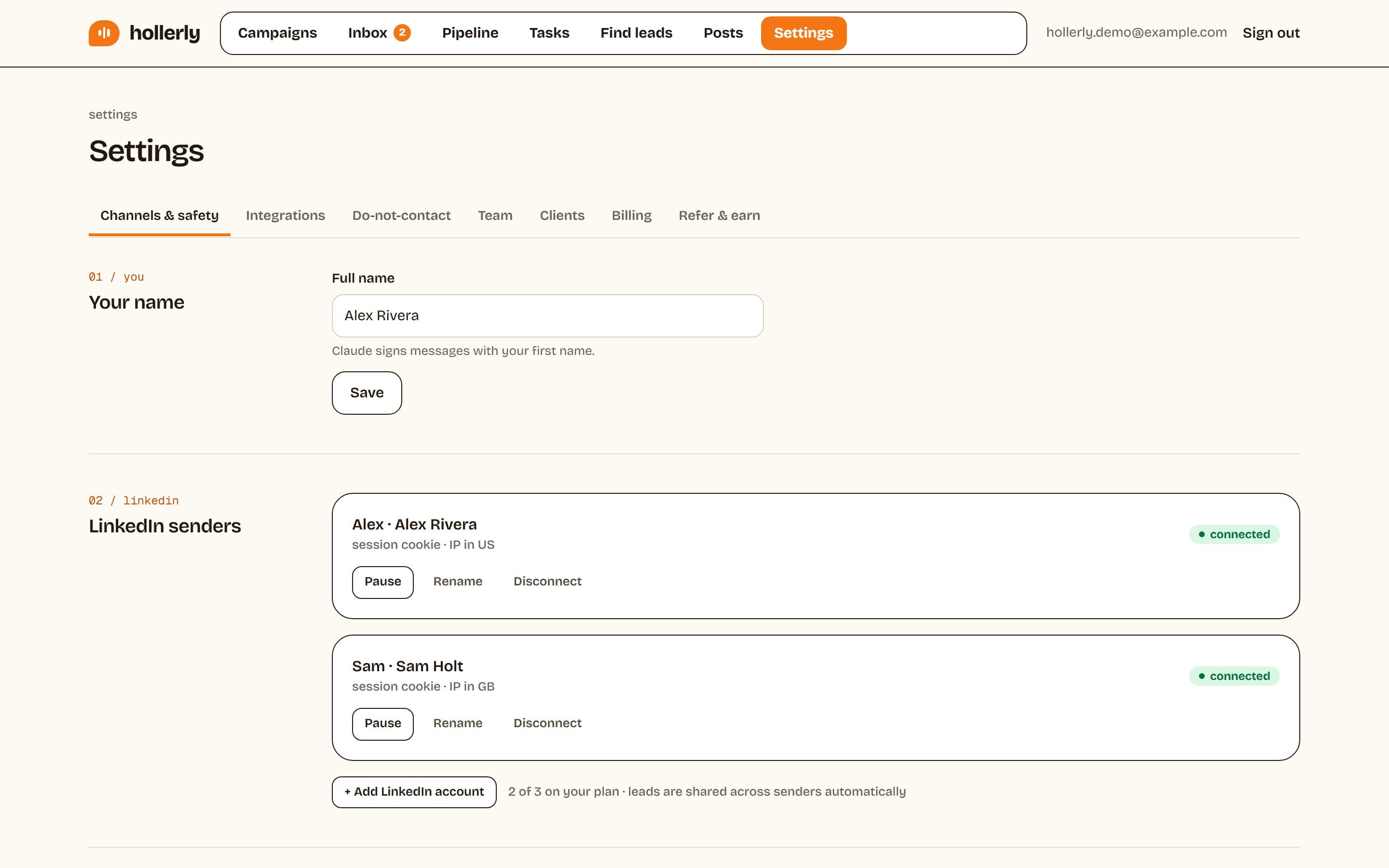
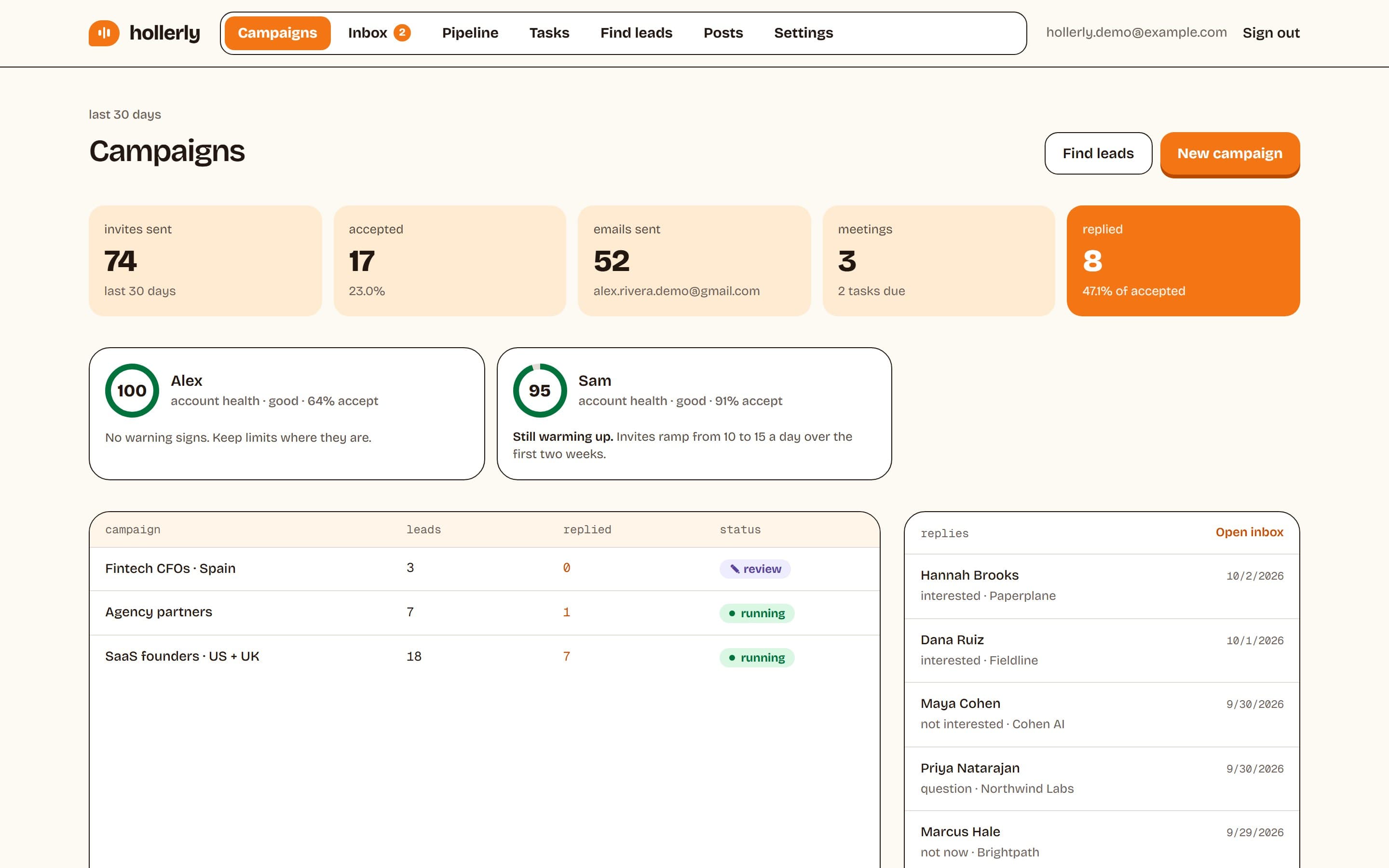
Hollerly runs each LinkedIn account in its own dedicated cloud browser with one IP in your country, so LinkedIn sees one consistent location. Auto-connect defaults to 20 invitations a day (ceiling 30) and 100 a week (ceiling 150), with a two-week warm-up, working hours only, and 45 to 180 seconds between actions. If LinkedIn returns a rate limit or a verification screen, Hollerly pauses for 24 hours. If you're signed out, it stops completely and emails you. An account health score tracks acceptance rate, pending invitations and warnings. Plans start at $19 a month; see pricing.
That reduces risk; it doesn't remove it. Read the full LinkedIn automation safety page, and see why Hollerly needs no Chrome extension.
FAQ
+Why is my LinkedIn account restricted?
LinkedIn restricts accounts for automated or unusual activity, identity concerns, profile details that break its rules, or content violations. Common triggers are bursts of invitations, browser extensions that automate or scrape, logins from new locations, and spam reports. Log in and follow the on-screen steps to see what LinkedIn needs from you.
+Why was my LinkedIn account restricted after using an automation tool?
LinkedIn's User Agreement doesn't allow third-party automation, and tools that act too fast, run as browser extensions or log in from changing locations are easy to spot. Disconnect the tool, complete any verification, and wait a few days. If you restart, use much lower daily limits and one consistent location.
+Why is my LinkedIn account temporarily restricted?
A LinkedIn account temporarily restricted is usually waiting on you: LinkedIn saw unusual activity, a possible security issue or many ignored invitations. Log in and follow the on-screen steps, which may mean verifying your identity or resetting your password. Invitation-only restrictions often lift on their own within about a week.
+Why has my LinkedIn account been restricted again?
Repeat restrictions usually mean the original trigger is still there: the same extension, shared logins, or outreach restarted at full speed. LinkedIn treats repeat cases more strictly and can make them permanent. Remove extensions, secure your login, use LinkedIn by hand for a week, then restart at half your old pace.
+What is LinkedIn jail?
LinkedIn jail is an informal name for a period when LinkedIn limits your account, such as blocking invitations, pausing messaging, or locking the account pending verification. Invitation limits usually lift within about a week. Full account restrictions last until you verify your identity or LinkedIn completes a review.
+How long will my LinkedIn account be restricted?
It depends on the reason. LinkedIn says most invitation restrictions lift automatically within one week. Security restrictions end once you verify your identity. Restrictions for policy violations can last days, longer for repeat cases, and LinkedIn can make serious or repeated violations permanent.
+How can I reopen my restricted LinkedIn account?
Log in from your usual device and follow the on-screen steps, which may include verifying your identity with a government ID. For content restrictions, use the prompt to ask LinkedIn to revisit its decision. Otherwise, contact LinkedIn through its Help Center, explain briefly what happened, and disconnect any automation tools.
+How to solve "LinkedIn account restricted" messages?
Read the restriction screen first, because it tells you the fix: verify your identity, reset your password, wait out an invitation limit, or ask for a review. With a LinkedIn account restricted, contact support only through the Help Center. Then remove extensions and slow down any outreach so it doesn't happen again.
+Why did my LinkedIn account get restricted for no reason?
There's usually a trigger you didn't notice: an extension reading LinkedIn pages, a login from another location, a burst of activity, a compromised password, or a profile change under review. Automated systems also make mistakes. Verifying your identity and contacting support through the Help Center resolves many of these cases.
Get replies without the busywork
Hollerly finds the people, writes every message with AI and follows up on LinkedIn and email until they reply. Runs in the cloud, from $19 a month.
Start my 7-day free trial