Skip the LinkedIn Sales Navigator Extension: Automate From the Cloud
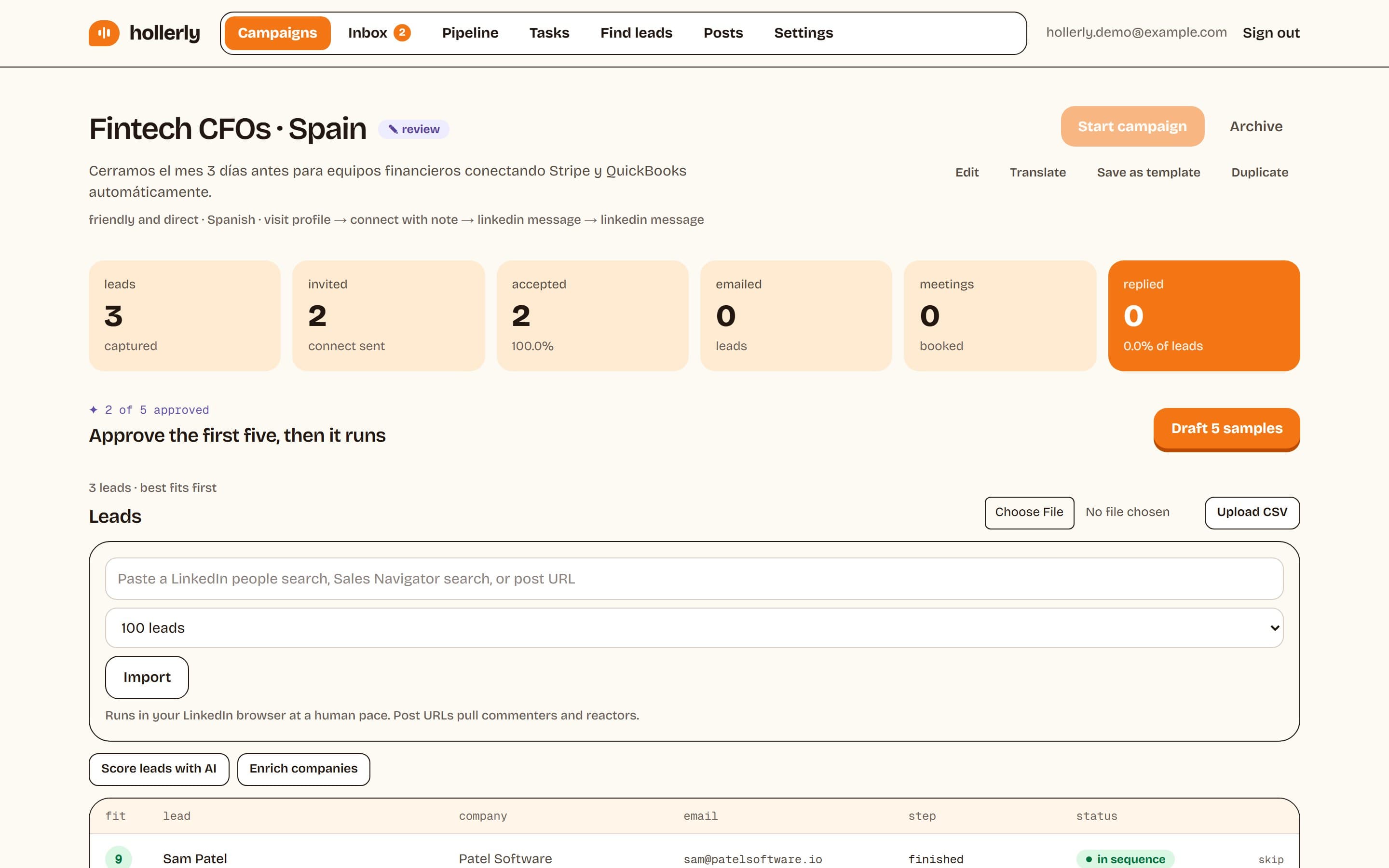
If you're searching for a LinkedIn Sales Navigator extension, you probably want one thing: to take the leads from a Sales Navigator search and start contacting them without copying profiles by hand. Hollerly does that without an extension. You paste the Sales Navigator search URL into a campaign, and Hollerly adds the leads and runs the outreach from a dedicated cloud browser.
No install, no browser tab that has to stay open, and your laptop can be closed. Here's how it works, and why we chose the cloud over a Chrome extension.
How to add Sales Navigator leads without a LinkedIn Sales Navigator extension
- In Sales Navigator, build a lead search with your filters: title, seniority, industry, company size, geography.
- Copy the URL from your browser's address bar.
- In Hollerly, create a campaign and paste the URL under "Add leads".
- Hollerly imports the leads, skipping anyone already in another campaign or on your do-not-contact list.
- Pick a sequence, approve the first five AI-written messages, and the campaign runs.
The same works for a normal LinkedIn people search, or a post URL if you want to reach the people who commented on or reacted to a post. You can also upload a CSV of LinkedIn profile URLs. If you need to get leads out of Sales Navigator into a spreadsheet, read our guide to exporting Sales Navigator leads.
Why Hollerly isn't a LinkedIn Chrome extension
A LinkedIn Chrome extension runs inside your own browser. That's convenient for a one-off export, but it's a poor fit for outreach that runs every day:
- It only works when your computer does. Close the laptop or the tab and the campaign stops.
- It runs in your personal browser session. Whatever the extension does happens alongside your own browsing, from whatever network you're on that day: home, office, café or VPN.
- It's tied to one machine. Teammates and other devices can't see or run the campaign.
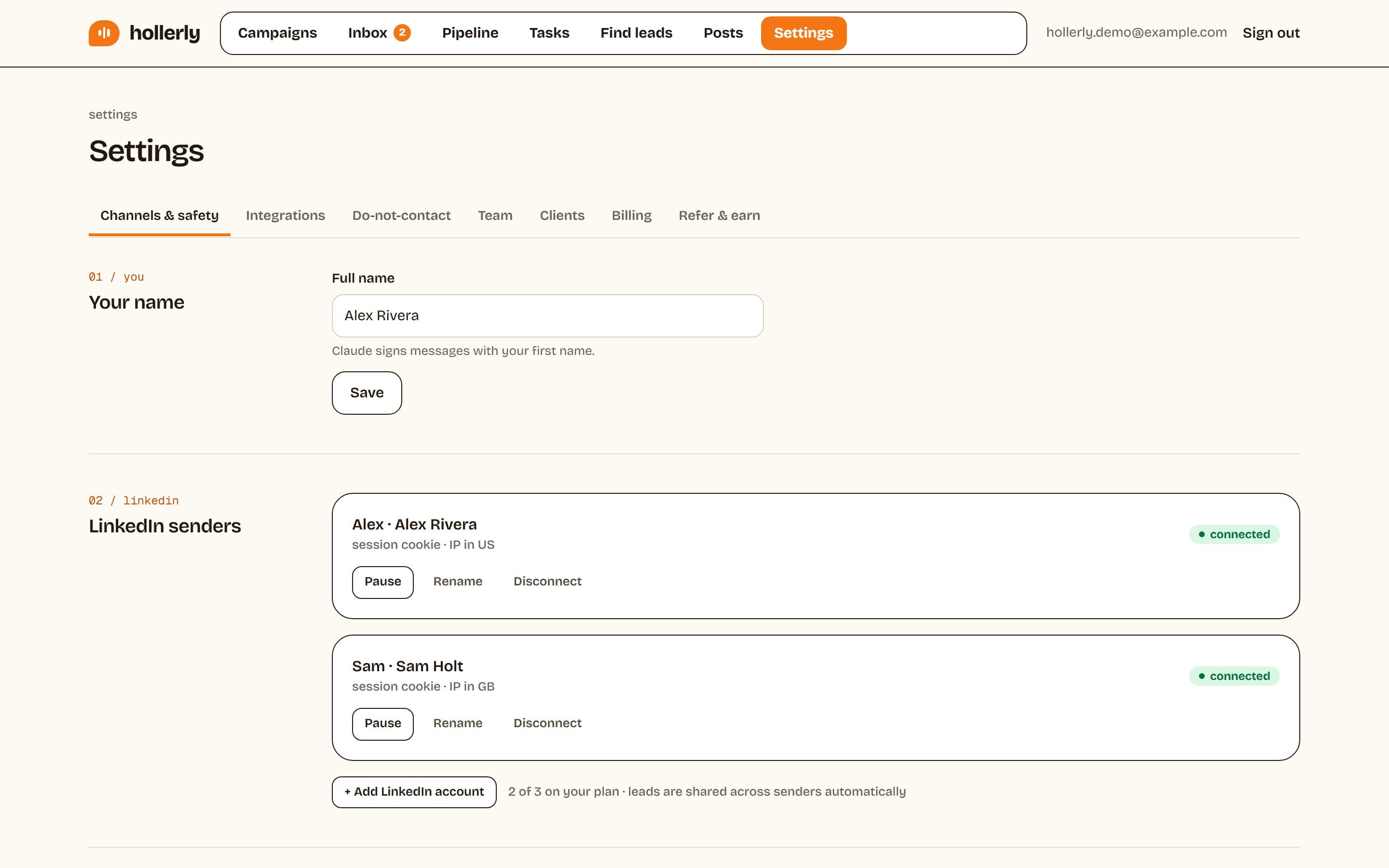
Hollerly connects your LinkedIn account once and runs it from a dedicated cloud browser with one IP in your country. Each LinkedIn account gets its own browser and its own IP, so its activity looks steady and consistent from day to day. Your login details are encrypted with AES-256 and deleted when you disconnect.
LinkedIn Sales Navigator Chrome extension vs cloud automation
| Typical Chrome extension | Hollerly (cloud) | |
|---|---|---|
| Install | Add to Chrome, keep the tab open | Connect LinkedIn once, nothing to install |
| Runs when laptop is closed | No | Yes |
| Network | Whatever network you're on | One dedicated IP in your country per account |
| Add leads from Sales Navigator | Click on the page | Paste the search URL |
| Works for a team | Per browser | Shared workspace, 3 seats on Agency |
| Email follow-ups | Varies | From your own mailbox on Pro |
A LinkedIn Sales Navigator Chrome extension can still be handy for grabbing a single profile while you browse. For running sequences day after day, the cloud is more reliable.
Is a LinkedIn automation Chrome extension safe?
No automation tool is fully safe on LinkedIn. Its user agreement prohibits software "such as crawlers, browser plugins and add-ons" used to scrape the service, and bots used to send messages or add contacts. That applies to every LinkedIn automation Chrome extension and to cloud tools like Hollerly too.
What lowers the risk is behavior, not the delivery method alone. Hollerly enforces:
- 20 invites a day by default (ceiling 30) and 100 a week (ceiling 150)
- A two-week warm-up at 10, then 15 invites a day
- 50 messages a day by default (ceiling 100)
- Working hours only, with 45 to 180 seconds between actions
- A 24-hour pause on any LinkedIn rate limit or verification screen
See the full list on our LinkedIn automation safety page.
Is there a LinkedIn Helper Chrome extension?
People often search for a "LinkedIn Helper Chrome extension" when they mean Linked Helper. According to its own website, Linked Helper is desktop software that runs on your computer or on a server you control, not a Chrome extension. It offers a 14-day Pro trial with no card required.
If you like the idea of Linked Helper but don't want to keep a computer or server running, Hollerly is the cloud option. Compare them on our Linked Helper alternative page.
How it works
- Start a trial and connect your LinkedIn account. Hollerly sets up a cloud browser and IP for it.
- Build your ideal customer profile from your website, and get a ready LinkedIn or Sales Navigator search.
- Paste the search URL into a campaign.
- Claude writes each note and message from the lead's profile, latest post and company website.
- Replies land in one inbox. Sequences stop when someone answers.
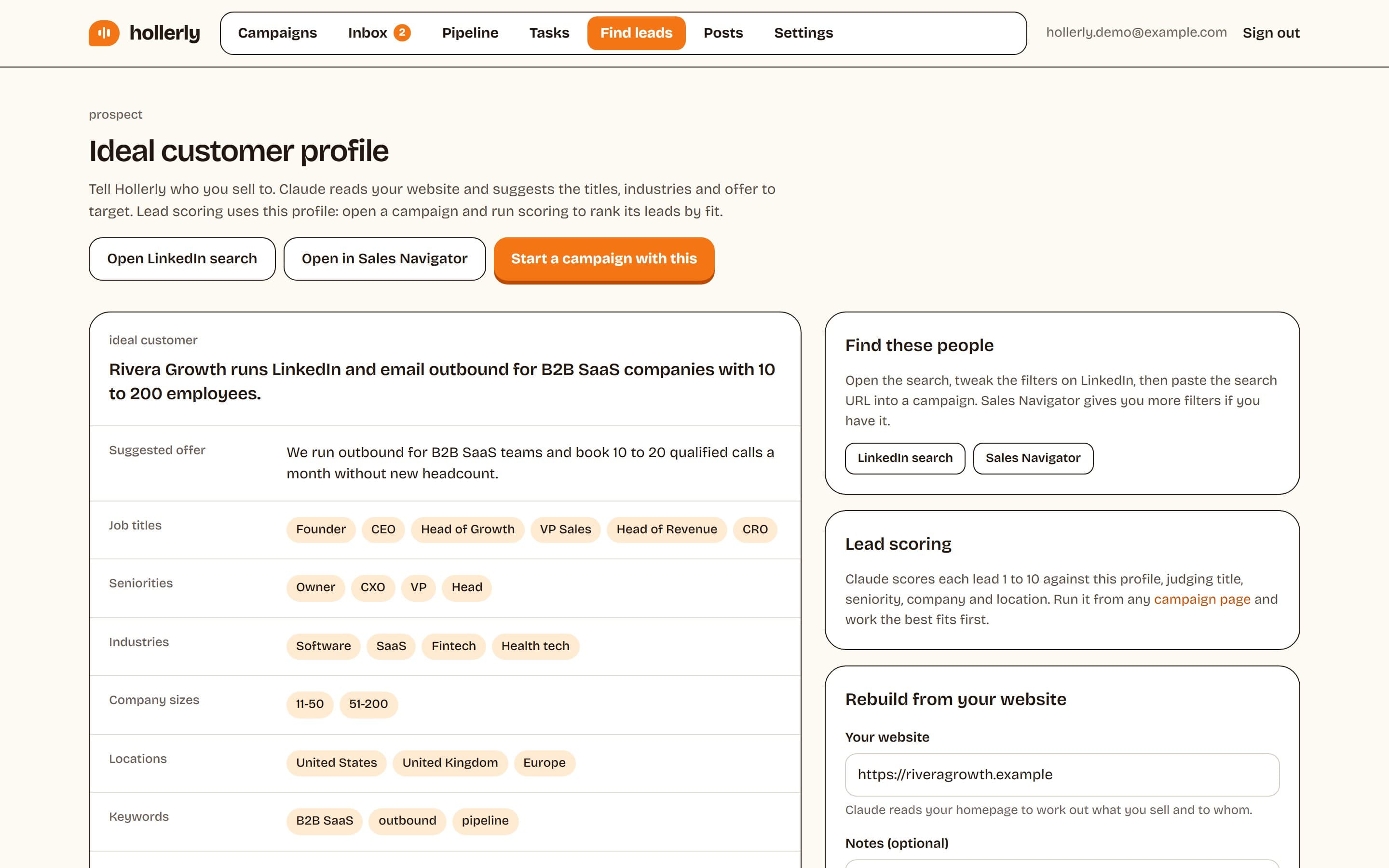
Learn more about the prospecting workflow on our LinkedIn prospecting software page.
Set up in about ten minutes
There's nothing to install. Most people connect their account, paste a search and approve their first messages in about ten minutes. Plans start at $19 a month, and every account starts with a 7-day free trial of Pro. See pricing.
FAQ
+Does Hollerly have a Chrome extension?
No. Hollerly runs in the cloud. You connect your LinkedIn account once and it runs from a dedicated cloud browser with its own IP in your country. To add leads, paste a LinkedIn search, Sales Navigator search or post URL into a campaign, or upload a CSV. Your laptop can stay closed.
+Can I use Sales Navigator with Hollerly?
Yes. Copy the URL of any Sales Navigator lead search and paste it into a Hollerly campaign. Hollerly imports the leads, skips duplicates and anyone on your do-not-contact list, and writes a personal message for each one. You need your own Sales Navigator subscription to run the search.
+Is a LinkedIn Sales Navigator extension safer than a cloud tool?
Not by default. LinkedIn's user agreement prohibits browser plugins used for scraping and bots used for messaging, so both carry risk. What matters most is volume and pacing. Hollerly caps invites and messages, warms up new accounts, works only in office hours and pauses if LinkedIn pushes back.
Get replies without the busywork
Hollerly finds the people, writes every message with AI and follows up on LinkedIn and email until they reply. Runs in the cloud, from $19 a month.
Start my 7-day free trial