LinkedIn Connection Request Limit in 2026
The LinkedIn connection request limit is the number of invitations LinkedIn lets you send before it pauses your account from inviting anyone else. LinkedIn doesn't publish an exact figure. In practice most accounts hit a wall at around 100 invitations a week, and some established accounts report a little more. Push past it and you get a warning, then a temporary block on sending invitations.
This guide covers what LinkedIn actually says, what users consistently report, when the weekly limit resets, how Premium changes things (less than you'd think), and a daily plan that keeps you well inside the line. We checked LinkedIn's own help pages on October 2, 2026.
LinkedIn connection request limit: the short answer
| Limit | What we know | Source |
|---|---|---|
| Invitations per week | Not published. Most accounts report a cap near 100 a week; it varies by account. | User reports |
| Total 1st-degree connections | 30,000 maximum, cannot be raised | LinkedIn Help |
| Personalized notes, free account | Up to 3 a month, each up to 200 characters | LinkedIn Help |
| Personalized notes, Premium | Unlimited, each up to 300 characters | LinkedIn Help |
| How long an invitation restriction lasts | "Most restrictions" lift automatically within one week | LinkedIn Help |
Two things trigger the block, according to LinkedIn: sending many invitations in a short time, and having many invitations ignored, left pending or marked as spam. So the limit is not only about volume. An account that sends 60 badly targeted invitations a week can get restricted sooner than one that sends 100 to people who accept.
LinkedIn weekly invitation limit
The LinkedIn weekly invitation limit is the one most people run into. LinkedIn's help center confirms it exists ("you may be temporarily restricted from sending invitations if you've reached the invitation limit") but gives no number. Reports from users and automation vendors have settled around 100 invitations in a rolling seven days for most accounts, with some older, high-acceptance accounts reporting up to roughly 200. Treat anything above 100 as a bonus you shouldn't plan around.
What counts toward the LinkedIn invitation limit per week
- Every connection request you send, with or without a note.
- Requests sent from the mobile app, desktop, Sales Navigator or any tool connected to your account. They all draw from the same pool.
- Withdrawn invitations still count for the week you sent them.
What doesn't count
Follows, profile visits, likes and messages to existing connections don't use invitations. InMail uses credits, not invitations. That's why a good sequence warms people up with a visit or a like first and saves the invitation for people who are likely to accept.
LinkedIn connection limit
The LinkedIn connection limit is a different thing: the total size of your network. LinkedIn caps every member at 30,000 first-degree connections, and says the number can't be increased for anyone. Once you reach it you can't send or accept new invitations until you remove some connections. People can still follow you.
Very few people reach 30,000. For most sellers and founders, the LinkedIn weekly connection limit (often searched as the LinkedIn connection limit per week) is the one that shapes the plan. Don't mix the two up: the weekly connection limit LinkedIn applies is about invitations sent, not network size.
When does LinkedIn weekly limit reset?
LinkedIn doesn't document the reset. The most common report is that it works as a rolling seven-day window, not a Monday reset: invitations you sent last Tuesday stop counting next Tuesday. If you got a "you've reached the weekly invitation limit" message, waiting about a week from your burst of sends usually clears it.
If you were restricted rather than just capped (a separate warning that mentions unusual activity), LinkedIn says most of those restrictions are removed automatically within a week. Don't try to work around it with a second tool during that time. See our guide to a LinkedIn account restricted warning for what to do next.
Practical rule: don't send in bursts. Twenty invitations a day for five days is far safer than 100 on a Monday, even though the weekly total is the same.
LinkedIn weekly connection request limit: what changes it
Because LinkedIn doesn't publish a fixed LinkedIn weekly connection request limit, it helps to know what seems to move it.
Acceptance rate
This is the biggest factor you control. If most people ignore your invitations, LinkedIn reads that as unwanted contact. Aim for a list where you'd expect at least a third of people to accept: clear fit, shared context, a profile that explains why you're reaching out.
Pending invitations
A pile of old pending invitations looks like the same problem. Withdraw invitations that have been pending for three or four weeks. They count for the week they were sent, so withdrawing doesn't free up this week's allowance, but it keeps your ratio clean.
"I don't know this person" reports
When recipients say they don't know you, or mark a note as spam, that counts against you. Notes that explain the reason for connecting reduce this.
LinkedIn premium connection request limit
Premium doesn't come with a published higher invitation cap. What it does change is notes: Premium members can add a personal note to every invitation (300 characters is the commonly reported limit), while LinkedIn's help page says free accounts can personalize up to three connection requests a month, at 200 characters each. If you rely on notes, that difference matters more than any change to the weekly cap.
LinkedIn connection request limit per week: a safe plan
Here's a plan for staying under the LinkedIn connection request limit per week that we'd be comfortable running on our own accounts:
| Account situation | Invitations a day | Invitations a week |
|---|---|---|
| New or rarely used account, first two weeks | 10 to 15 | 50 to 75 |
| Established account, normal acceptance | 15 to 20 | 80 to 100 |
| Older account with high acceptance | 20 to 30 | 100 to 150, watch for warnings |
These are guidelines, not guarantees. LinkedIn changes its systems without notice, and every account has its own history.
LinkedIn daily connection request limit
There's no official linkedin daily connection request limit either. Daily pacing is about avoiding bursts. Keep the linkedin connection request limit per day around 20, send during your normal working hours, and leave a few minutes between invitations rather than sending them back to back.
Get more from each invitation
- Target tightly. A smaller list of good-fit people beats a large list of maybes.
- Visit the profile or like a recent post a day or two before inviting.
- Use a short note that gives a real reason. Our connection request message templates are all under 200 characters, so they work on free accounts too. Check length with the free LinkedIn character counter.
- Follow people you can't invite this week. It costs nothing and they may see your posts.
What to do when you hit the invitation limit
You'll usually see a message saying you've reached the weekly invitation limit, or the Connect button will stop working. Here's what to do in the meantime:
- Stop sending invitations from every device and tool. Trying again in an hour won't help and can turn a cap into a restriction.
- Clean up pending invitations. Withdraw anything older than three or four weeks from My Network, then Manage invitations, then Sent.
- Keep talking to existing connections. Messages to 1st-degree connections don't use invitations, so follow up with people who already accepted.
- Follow instead of connecting. Follow the people you planned to invite and engage with their posts. Your invitation next week will land with a familiar name.
- Use the week to fix targeting. If you hit the limit with a low acceptance rate, the list is the problem, not the cap.
Signs you're close to trouble
- Your acceptance rate drops below about 20 to 25%.
- You have hundreds of pending invitations.
- LinkedIn asks you to enter the person's email address before inviting them.
- You see a verification screen or a warning about unusual activity.
Any of these is a reason to slow down for a week, tighten your list and check your notes. A restriction costs far more time than a slow week.
How Hollerly keeps you under the limit
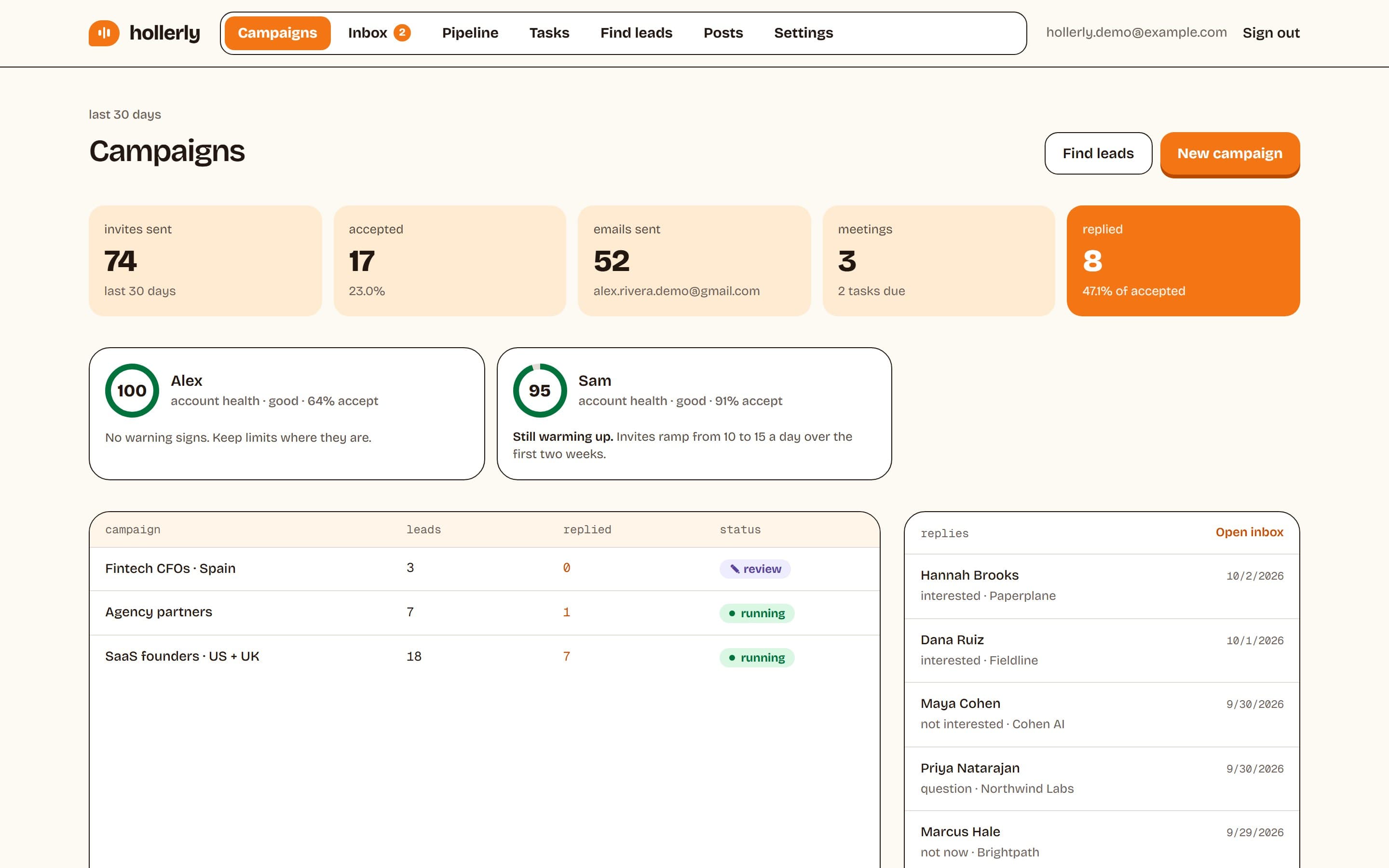
If you automate invitations, the tool has to respect the limit for you. Hollerly's defaults are deliberately conservative:
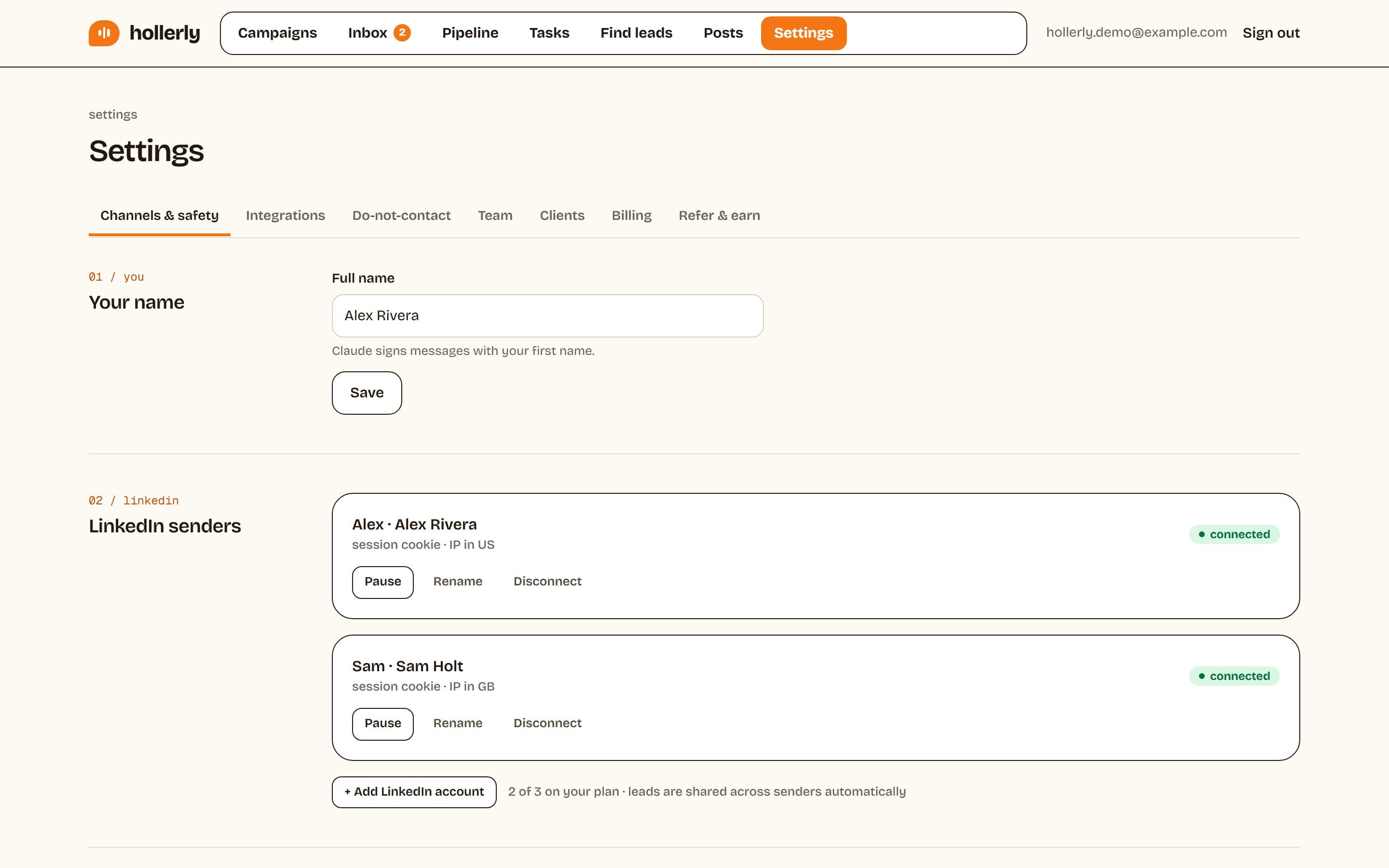
- Up to 20 invitations a day by default (ceiling 30) and 100 a week (ceiling 150).
- A warm-up of 10, then 15 invitations a day in the first two weeks.
- Sends only during your working hours, with random gaps of 45 to 180 seconds between actions.
- An automatic 24-hour pause if LinkedIn returns a rate limit or a verification screen, and a full stop with an email alert if you're signed out.
- An account health score that tracks acceptance rate and pending invitations, so you see trouble before LinkedIn does.
The Starter plan ($19 a month) includes 300 connection requests a month; Pro allows unlimited invites inside those safe limits. Compare plans on the pricing page. Full details are on the LinkedIn automation safety page and the auto-connect feature page.
One honest caveat: LinkedIn's user agreement doesn't allow third-party automation, so every tool in this category carries some risk. Conservative limits reduce it. Nothing removes it.
FAQ
+When does LinkedIn weekly limit reset?
LinkedIn doesn't publish the reset rule. Most users report a rolling seven-day window, so invitations stop counting about a week after you sent them. If you see the weekly invitation limit message, wait roughly seven days from your heaviest sending day, then resume at a slower, steadier pace.
+What is the weekly limit of connections on LinkedIn?
LinkedIn doesn't state a number. Most accounts report a cap of about 100 connection requests in a rolling week, and some established accounts with high acceptance rates report more. Plan around 80 to 100 a week, spread evenly across weekdays, and treat anything higher as a bonus.
+What is the weekly limit for LinkedIn connections on a new account?
LinkedIn doesn't publish one, and new accounts seem to get less room than established ones. Start with 10 to 15 invitations a day, or roughly 50 to 75 a week, for the first two weeks. Build up slowly toward about 100 a week only if most people accept and no warnings appear.
+What is the weekly invitation limit on LinkedIn for Premium members?
Premium has no published higher weekly invitation limit. The clear difference is notes: Premium members can personalize every invitation, while free members can add a note to up to three requests a month, at 200 characters each. The weekly cap itself appears to depend on account history and acceptance rate.
+What is the LinkedIn daily connection request limit?
There is no official daily limit. Because the weekly cap is around 100 for most accounts, about 20 invitations a day on weekdays is a sensible ceiling. New accounts should start at 10 to 15 a day for two weeks and avoid sending everything in one sitting.
+What happens if I hit the LinkedIn connection limit?
If you hit the weekly invitation limit, LinkedIn stops you sending more invitations for a while, usually up to a week. If you reach the 30,000 total connection limit, you can't send or accept invitations until you remove connections. People can still follow you either way.
Get replies without the busywork
Hollerly finds the people, writes every message with AI and follows up on LinkedIn and email until they reply. Runs in the cloud, from $19 a month.
Start my 7-day free trial