LinkedIn AI Message Generator for Connection Notes
This LinkedIn AI message generator writes connection notes and first messages for one specific person. Paste a few lines from their profile (headline, About or a recent post), say why you want to connect, and get three options that fit LinkedIn's character limit.
Free with a Hollerly account, no card: up to 10 runs a day. The tool doesn't visit LinkedIn; it only reads what you paste.
Sign up with your email, no card, and write up to 10 sets of messages a day.
Create a free accountNo card required. Already have one? The same button signs you in.How the LinkedIn AI message generator writes
Good connection notes are about the other person. The generator is told to open with one specific detail from what you pasted, say plainly why you want to connect, and stop. No pitch, no links, no "I came across your profile", no meeting request in a first note.
| Message type | Limit used | Best for |
|---|---|---|
| Connection note | 200 characters | Every account; matches LinkedIn's help page |
| Connection note (Premium) | 300 characters | Premium accounts that show a 300 character box |
| First message after they accept | Up to 1,000 characters (aims for 300 to 600) | Starting the conversation |
Each option shows its character count, and anything over the limit is trimmed at a sentence or word before you see it. Check your own edits with the LinkedIn character counter.
LinkedIn's help page (checked October 2, 2026) says free accounts can add a personal note to up to three connection requests a month, and each note can be up to 200 characters. Premium members can add notes to all requests. Save your free notes for the people who matter most.
Examples of AI connection notes
Hi Dana, your post on cutting onboarding from 9 steps to 4 was the clearest teardown I've read this year. I'm working on the same problem at a dev tools startup. Would be good to connect.
Thanks for connecting, Dana. The part of your onboarding post that stuck with me was moving the integration step after the first win. Did you see activation hold up after the first month, or did it settle back?
Notice what's missing: no product, no calendar link, no compliments about their "impressive background". Those come later, if the conversation earns them. For more patterns, see our connection request message templates.
How to use the tool
- Create a free account or sign in.
- On LinkedIn, copy the person's name, headline and a recent post or part of their About section. Paste it into the profile box.
- Optionally add a line about you and why you want to connect.
- Choose a 200 character note, a 300 character note or a first message.
- Click Write 3 options, copy the one that sounds most like you and edit it before sending.
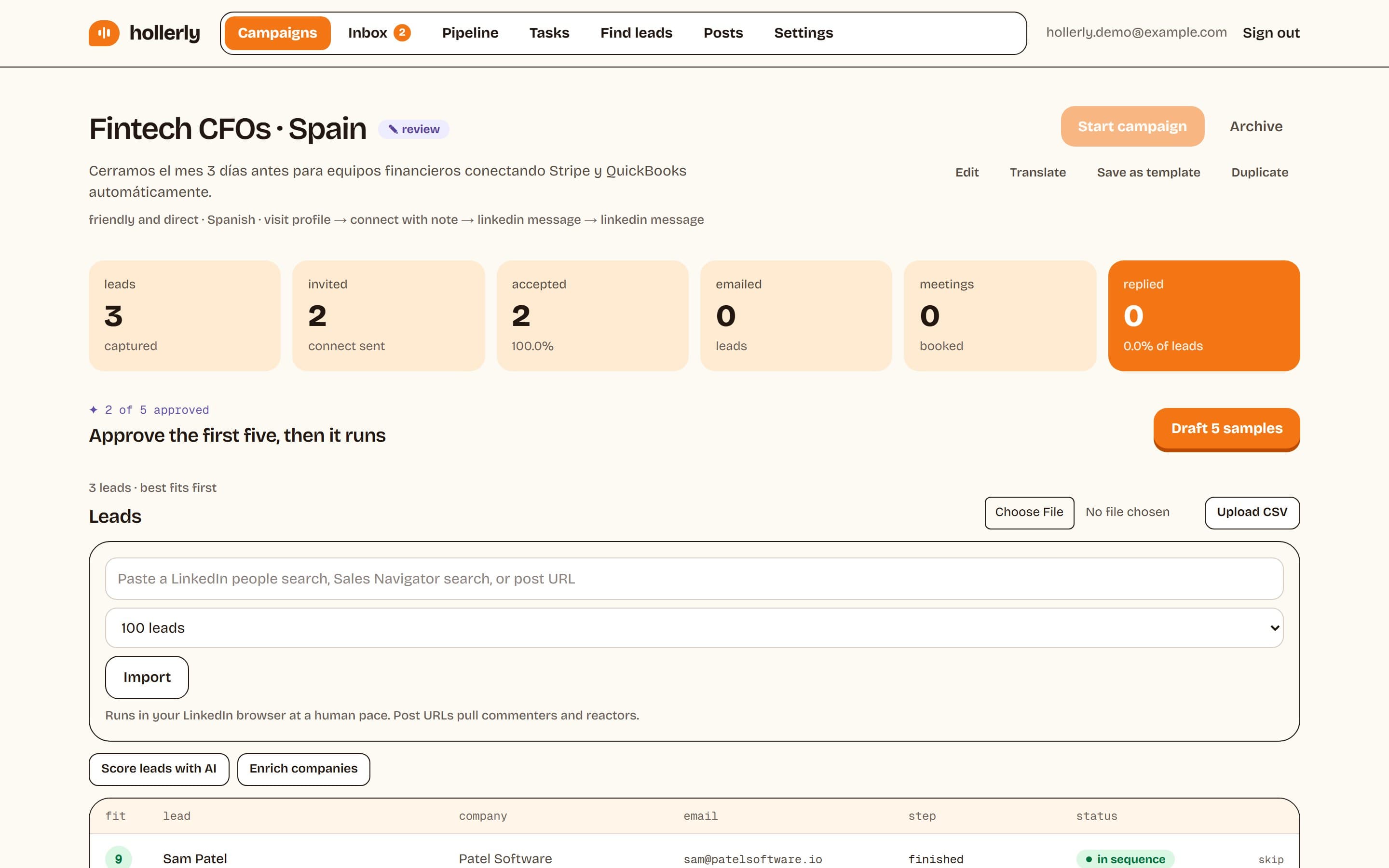
Writing to dozens of people a week? That's what Hollerly does: it reads each prospect's profile, latest post and company website, writes the note with AI, and you approve the first five before it runs. Learn how message automation works.
FAQ
+Is the LinkedIn AI message generator free?
Yes. It's free with a Hollerly account, which needs only an email and no card. You can generate up to 10 sets of three messages a day. The paid Hollerly plans automate this for every lead in a campaign, but the generator itself is free to use as often as the daily limit allows.
+Does the tool read LinkedIn profiles automatically?
No. It doesn't log in to LinkedIn or fetch anything from it. You copy the parts of a profile you want it to use, such as the headline, About section or a recent post, and paste them in. That keeps your LinkedIn account out of it and keeps the message grounded in real details.
+What is the LinkedIn connection note character limit?
LinkedIn's help page lists 200 characters per connection note, and free accounts can add notes to up to three requests a month. Some Premium accounts see a 300 character box. Choose 200 in the generator to be safe on any account, or 300 if your box allows it.
Related free LinkedIn tools
Do this for every lead, automatically
Hollerly reads each prospect's profile, latest post and company website, writes the note, sends it inside safe daily limits and follows up until they reply. From $19 a month.
Start my 7-day free trial