LinkedIn Banner Size (2026) and Free Banner Maker
The LinkedIn banner size for a personal profile is 1584 x 396 pixels (a 4:1 ratio), as a JPG or PNG under 8MB. Company pages use a different cover: LinkedIn now recommends 1512 x 256 pixels. Make yours below: pick a color or upload a photo, add a headline, check the profile photo safe zones and download a PNG at the exact size.
Everything runs in your browser. Your image is never uploaded.
LinkedIn banner dimensions: every LinkedIn banner size in 2026
Short answer: the LinkedIn banner size 1584 x 396 pixels is for a personal profile. Other banners use other shapes. Here is the LinkedIn banner recommended size for each type:
| Banner | LinkedIn banner size (pixels) | Ratio |
|---|---|---|
| Personal profile banner (background photo) | 1584 x 396 | 4:1 |
| Company or business page cover | 1512 x 256 | about 6:1 |
| Event banner | 1280 x 720 (min 480 wide) | 16:9 |
| Newsletter cover | 1920 x 1080 | 16:9 |
| Article cover | 1920 x 1080 | 16:9 |
| Group cover | 1776 x 444 | 4:1 |
Each LinkedIn banner image size in the full table below comes from LinkedIn's own help pages, checked on October 2, 2026. When LinkedIn gives a range, the table shows the recommended size first.
| Image | Recommended size (pixels) | Ratio | File rules |
|---|---|---|---|
| Profile banner (cover image) | 1584 x 396 | 4:1 | JPG or PNG, under 8MB |
| Profile photo | 400 x 400 (up to 7680 x 4320) | 1:1, shown as a circle | PNG or JPG, max 8MB |
| Company page cover | 1512 x 256 | about 6:1 | PNG or JPEG, max 3MB |
| Company page logo | 400 x 400 (min 268 x 268) | 1:1 | PNG or JPEG, max 3MB |
| Career page main image (Life tab) | 1128 x 376 | 3:1 | PNG or JPEG, max 3MB |
| Post image | 1080 wide (min 552 x 276) | 3:1 to 4:5 | Max 5MB, up to 20 photos |
| Link image on a page post | 1200 x 627 | 1.91:1 | PNG or JPEG |
| Article cover | 1920 x 1080 | 16:9 | JPEG, PNG or WEBP, no GIFs |
| Newsletter cover / logo | 1920 x 1080 / 300 x 300 | 16:9 / 1:1 | Not listed |
| Event banner | 1280 x 720 (min 480 wide) | 16:9 | Not listed |
| Group cover | 1776 x 444 | 4:1 | Not listed |
For a LinkedIn post image, a portrait 1080 x 1350 image (4:5) takes up the most room in the mobile feed, and it's the tallest ratio LinkedIn accepts. A square 1080 x 1080 is the safe all-rounder.
Event, newsletter and article banners
The LinkedIn event banner size is 1280 x 720 pixels (16:9, at least 480 pixels wide). The LinkedIn newsletter banner size and the LinkedIn article banner size are both 1920 x 1080 pixels, also 16:9. LinkedIn may change these, so check its help pages if an upload gets cropped.
LinkedIn profile banner size
The LinkedIn personal profile banner size is 1584 x 396 pixels. You'll also see it called the LinkedIn background banner size, the LinkedIn banner photo size or the cover image size: they all mean the same image. LinkedIn's help page lists that as the recommended size, with JPG or PNG files under 8MB. Bigger images work if they keep the 4:1 ratio; anything else gets cropped.
What size is a LinkedIn banner on mobile?
The file is the same 1584 x 396. The app shows it full width on a phone and your profile photo sits over the lower left, larger relative to the banner than on desktop. That's why the maker above shows two safe zones: keep text and faces out of both circles and toward the right.
LinkedIn personal banner size tips
- Put the message on the right half. The left third is partly covered by your photo.
- Use one short line of text, at least 48 pixels tall, so it's readable on a phone.
- Pick a photo or color that still works when it's cropped a little at the edges.
- Export as PNG for text and flat colors, JPG for photos. Our maker downloads a PNG.
LinkedIn profile picture size
The LinkedIn profile picture size is at least 400 x 400 pixels, square, up to 7680 x 4320, as PNG or JPG with a maximum of 8MB. GIFs aren't supported. LinkedIn shows it in a circle, so leave a little room around your head and shoulders.
A clear, well-lit photo matters more for outreach than any banner. People decide whether to accept a connection request from your photo, name and headline. For the headline, try the free LinkedIn headline generator.
If you use LinkedIn for LinkedIn prospecting, your photo, headline and banner are the first things a prospect checks after your invite arrives.
LinkedIn company page banner size
The LinkedIn company page banner size is 1512 x 256 pixels according to LinkedIn's "Image specifications for your LinkedIn Pages" help page, which lists it as both the minimum and the recommended size. Files must be PNG or JPEG and no bigger than 3MB.
Many guides still say 1128 x 191 for the LinkedIn company banner size. That was the older recommendation. LinkedIn's help page now lists 1512 x 256, so design at that size. The two are close in ratio (about 6:1), so an older 1128 x 191 cover scales up without much cropping.
The same page lists the logo at 400 x 400 recommended (268 x 268 minimum). Your logo overlaps the lower left of the cover, so keep that corner plain. The maker above has a 1512 x 256 company cover option.
LinkedIn business page banner size
A business page and a company page are the same thing on LinkedIn, so the LinkedIn business banner size is also 1512 x 256 pixels. One LinkedIn page banner size applies to every Page, whatever the size of the company.
LinkedIn banner maker
Most free LinkedIn banner maker tools ask you to sign up and then add a watermark. This one doesn't. It draws your banner on a canvas in your browser and downloads a PNG at exactly 1584 x 396, the personal LinkedIn banner size (or 1512 x 256 for a company page).
What you can do
- Start from a solid color or a two-color gradient, or upload your own photo.
- Move the photo up or down and darken it so text stays readable.
- Add a headline and a second line, pick the text color, size and position.
- Turn on the desktop and mobile safe zones to see where your profile photo will cover the banner.
The safe zone circles are approximations of where LinkedIn places your photo on a typical desktop screen and phone. They're shown in the preview only, never in the download.
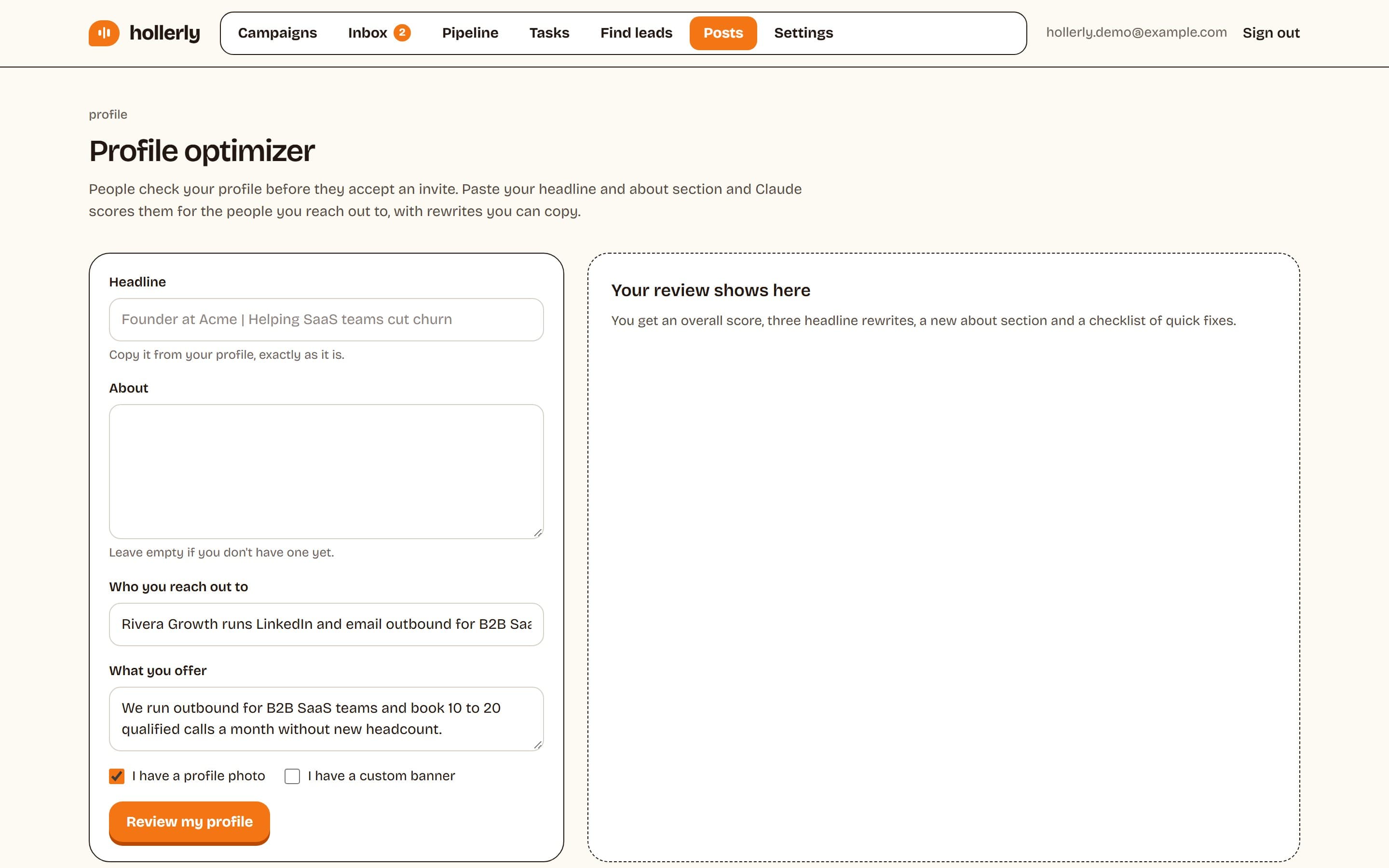
How to use the tool
- Choose the size: personal profile banner (1584 x 396) or company page cover (1512 x 256).
- Pick a background color or upload an image. Adjust the position and darkness.
- Type a headline and an optional second line. Keep it short.
- Check the safe zones, then click Download PNG.
- On LinkedIn, open your profile, click the camera icon on the banner and upload the file.
FAQ
+What is the size of a LinkedIn banner?
A LinkedIn banner for a personal profile is 1584 x 396 pixels, a 4:1 ratio, as a JPG or PNG under 8MB. That's LinkedIn's own recommended size. Company pages use a different cover image, which LinkedIn's help page now lists at 1512 x 256 pixels, PNG or JPEG, up to 3MB.
+What size should a LinkedIn banner be?
Make it exactly 1584 x 396 pixels for a personal profile. A larger image works if it keeps the same 4:1 ratio, but other ratios get cropped. Keep text on the right half, because your profile photo covers part of the lower left on desktop and even more on mobile.
+What is the LinkedIn banner size in pixels for a company page?
LinkedIn's help page for Pages lists the company page cover at 1512 x 256 pixels, as both the minimum and the recommended size, PNG or JPEG up to 3MB. Older guides say 1128 x 191. Design at 1512 x 256 and keep the lower left clear for your logo.
+What is the size of the LinkedIn banner for events and articles?
LinkedIn event banners use a 16:9 ratio with a minimum width of 480 pixels, so 1280 x 720 works well. Article and newsletter covers are recommended at 1920 x 1080 pixels, also 16:9. Article covers accept JPEG, PNG or WEBP files, and LinkedIn no longer allows GIF covers.
+Why does my LinkedIn banner look blurry or cropped?
Usually the image is too small or the wrong ratio. Export at 1584 x 396 exactly, as a PNG for text and flat colors. LinkedIn also compresses uploads, so very large photos can soften. If text gets hidden, move it right and away from the profile photo circle.
Related free LinkedIn tools
- LinkedIn Help: Add or change the cover image on your profile
- LinkedIn Help: Photo won't upload to your profile
- LinkedIn Help: Image specifications for your LinkedIn Pages and Career Pages
- LinkedIn Help: Share photos on LinkedIn
- LinkedIn Help: Add images and other rich media to your article
- LinkedIn Help: LinkedIn Newsletters best practices
- LinkedIn Help: Create a LinkedIn Event
- LinkedIn Help: Add or edit a cover image or logo to your group
A sharp profile, then a full calendar
Hollerly finds the right people on LinkedIn, writes every message with AI and follows up on LinkedIn and email until they reply. From $19 a month.
Start my 7-day free trial