Free AI LinkedIn Headline Generator
This LinkedIn headline generator writes five headline options from your role, the people you want to reach and what you help them with. Every option fits LinkedIn's 220 character limit and puts the important words first, where search results and comments cut it short.
Free with a Hollerly account, no card: up to 10 runs a day.
Sign up with your email, no card, and write up to 10 sets of headlines a day.
Create a free accountNo card required. Already have one? The same button signs you in.LinkedIn headline generator AI: how it works
Your headline follows you everywhere on LinkedIn: under your name in search, next to every comment, on every connection request you send. The LinkedIn headline generator AI turns a few plain inputs into options built for that job.
- Role or title: what you'd say if someone asked what you do.
- Goal: winning clients, finding a job, or growing a network. Job seekers get searchable titles and skills up front; sellers get the outcome they deliver.
- Audience and value: who should stop scrolling, and what changes for them.
- Proof and keywords (optional): only what's true. The AI is told never to invent numbers, clients or employers.
You get five structurally different options: role plus outcome, who you help plus how, proof first, and plain and simple. Mix parts from two if that sounds more like you.
Free LinkedIn headline generator: what makes a good headline
Use the free LinkedIn headline generator as a starting point, then check the result against these rules:
- Front-load it. The first 60 or so characters are what most people see. Lead with your role or the outcome, not "Helping..." or "Passionate about...".
- Say who it's for. "Fractional CFO for seed-stage SaaS" beats "Finance professional".
- Use the words people search. Recruiters and buyers search job titles and skills. Styled bold letters from a formatter don't match search, so keep your headline in plain text.
- One proof point, max. A former employer, a result or a niche. Not a list of everything.
- Stay under 220 characters. Check with the LinkedIn character counter.
Examples
Fractional CFO for seed and Series A SaaS | Board-ready models, runway planning, fundraising prep | Ex-Stripe
Senior Product Designer | Onboarding and payments UX for fintech | Figma, user research, design systems
Founder at Northwind | Helping B2B teams book more meetings from LinkedIn
LinkedIn profile headline generator for outreach
If you reach out on LinkedIn, your headline does more selling than your message. When someone gets your connection request, they see your photo, name and headline before anything else. A LinkedIn profile headline generator helps you write one that answers "why should I accept?" in a glance.
Match the headline to the people you contact. If your outreach targets heads of sales, say what you do for heads of sales. Then fill in the rest of your profile with the free LinkedIn summary generator and a clean banner from the banner maker.
Once the profile is ready, Hollerly's LinkedIn prospecting tools find the people your headline speaks to and build the lead list for you.
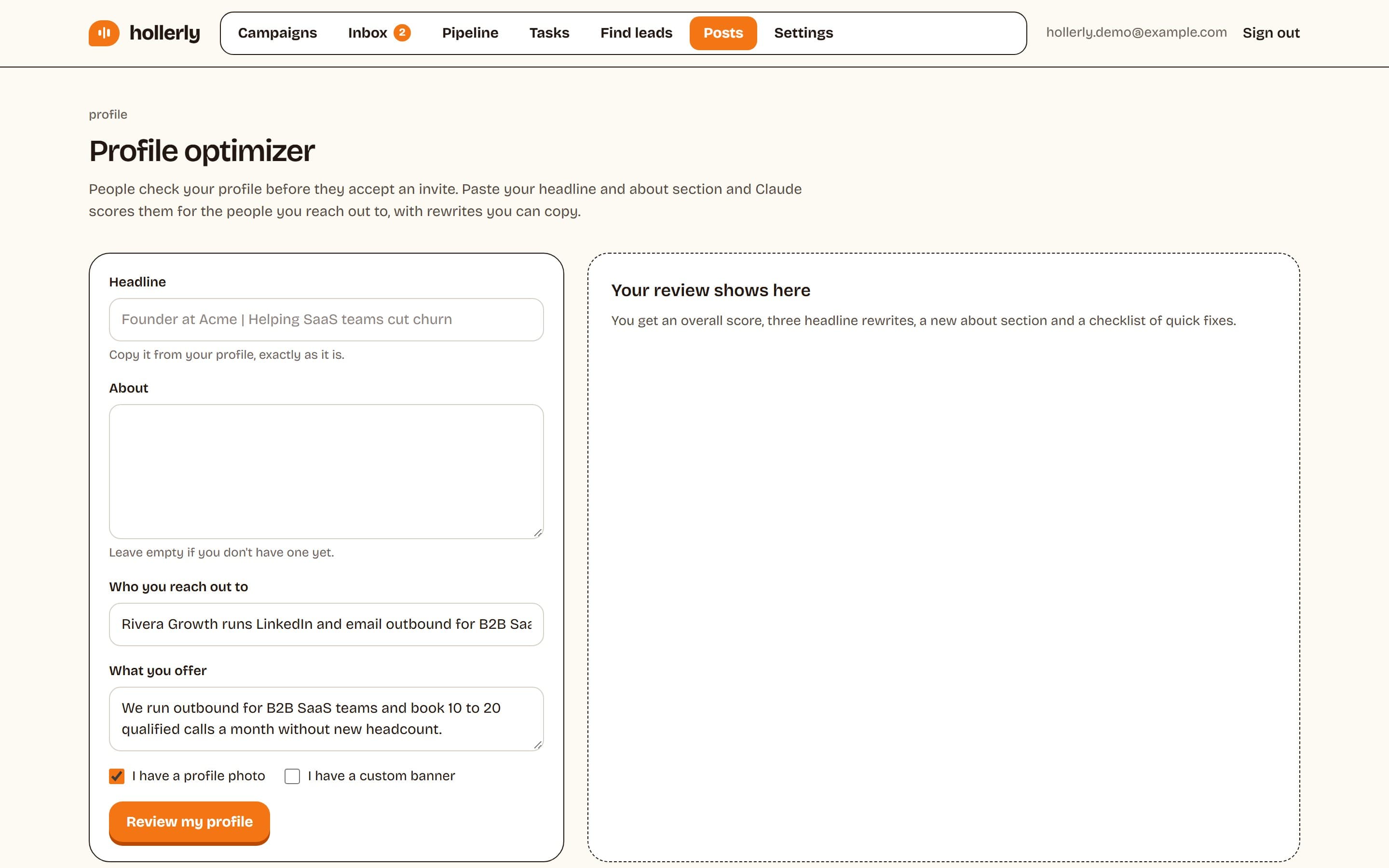
How to use the tool
- Create a free account or sign in.
- Enter your role, pick the goal and describe who you want to reach.
- Add what you help with, plus optional proof and keywords.
- Click Write 5 headlines. Each shows its character count out of 220.
- Copy your favorite, edit it, and paste it into the headline field on your LinkedIn profile (Edit intro).
FAQ
+What is the LinkedIn headline character limit?
The LinkedIn headline allows up to 220 characters, including spaces. Search results, comments and invitations show a shorter version, so the first 60 or so characters matter most. Every option from this generator stays under 220 characters and puts your role or outcome first.
+Is the AI LinkedIn headline generator free?
Yes. It's free with a Hollerly account, which needs only an email and no card. You can generate up to 10 sets of five headlines a day. Hollerly's paid plans are for LinkedIn and email outreach, not for this tool, so there's nothing to upgrade to use it.
+Should my LinkedIn headline be my job title?
Only if you want to be found for that title, for example when job hunting. Otherwise, add who you help and the result: "Account Executive at Acme" says less than "Helping logistics teams cut freight costs | AE at Acme". Keep searchable words in plain text near the start.
Related free LinkedIn tools
Your profile is ready. Now start conversations.
Hollerly finds the people your headline speaks to, writes each connection note with AI and follows up on LinkedIn and email. From $19 a month.
Start my 7-day free trial