LinkedIn Post Character Limit (2026) and Character Counter
The LinkedIn post character limit is 3,000 characters, including spaces and line breaks. Paste any text into the counter below to see how it fits every LinkedIn limit at once: posts, headlines (220), About sections (2,600), comments, messages and connection notes (200).
It counts each emoji and styled letter as one character, so leave a little room when you're close to a limit.
LinkedIn character limit: every field in one table
Here is every LinkedIn character limit worth knowing in 2026. The counter above checks your text against the main ones as you type.
| Field | Limit |
|---|---|
| Post | 3,000 characters |
| Comment | 1,250 characters |
| Headline | 220 characters |
| About section (summary) | 2,600 characters |
| Connection request note | 200 characters (300 is often quoted for Premium) |
| InMail | 200 character subject, 2,000 character body |
| Direct message | 8,000 characters |
| Video in a post | 5GB, up to 15 minutes |
| Document (carousel PDF) | 100MB, up to 300 pages |
The LinkedIn post length limit is about characters, not words. There's no separate LinkedIn post word limit: 3,000 characters works out to roughly 400 to 550 words of normal English.
LinkedIn post character limit: 3,000
Every text post, and the copy above a photo, video or document, shares the same 3,000 character LinkedIn post copy character limit. Hashtags, mentions and line breaks all count.
LinkedIn post character limit before see more
Only the first few lines show in the feed before LinkedIn adds "...more". The exact cut depends on the device, line breaks and whether the post has an image, so there's no fixed character count. Paste your draft into the LinkedIn post preview to see where it falls on desktop and mobile, and put your hook above it.
LinkedIn headline character limit
The LinkedIn headline character limit is 220 characters. Search results, comments and connection requests show a shortened version, so put the words that matter (your role and who you help) in the first 60 or so characters.
Stuck on what to write? The free LinkedIn headline generator writes five options under 220 characters.
LinkedIn about section character limit (2026)
The About section, sometimes called the LinkedIn summary or bio, allows 2,600 characters. That's the LinkedIn summary character limit and the LinkedIn bio character limit people search for: they're the same field. Most good About sections land between 1,000 and 2,000 characters. The LinkedIn summary generator writes drafts that fit.
LinkedIn connection message character limit
When you add a note to a connection request, LinkedIn's help page says each message can be up to 200 characters. That's the LinkedIn connection note character limit for 2026, and it includes spaces and your sign-off.
LinkedIn's help page (checked October 2, 2026) says free accounts can add a personalized note to up to three connection requests a month. Premium members can personalize all of them. If you send many requests on a free account, most will go without a note.
Two hundred characters is about two short sentences. Use them for one specific detail about the person and why you want to connect. Our AI LinkedIn message generator writes notes that fit.
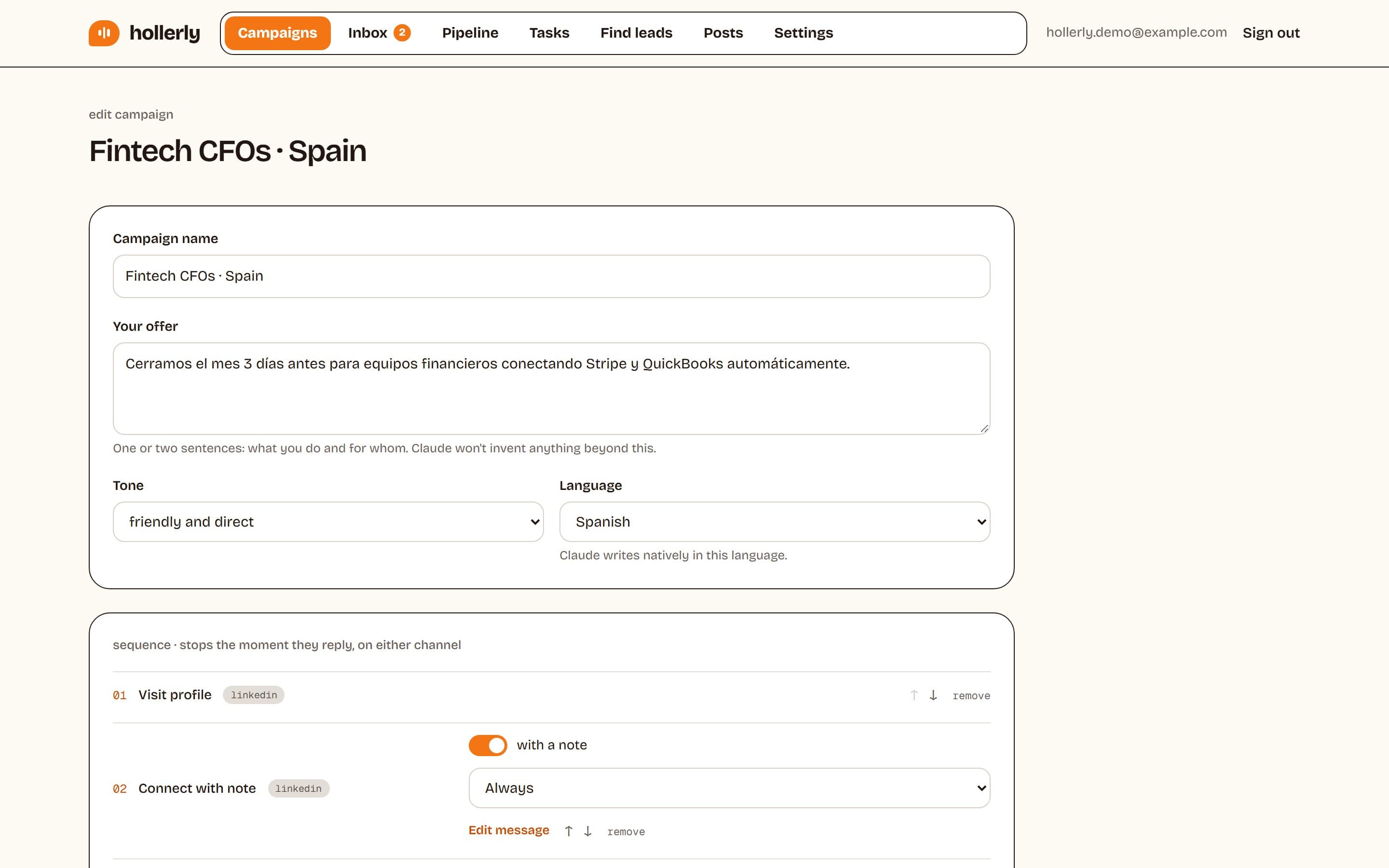
If you send connection requests every day, Hollerly's LinkedIn message automation writes each note and follow-up from the lead's profile and keeps it under the limit.
LinkedIn connection request message character limit
The LinkedIn connection request message character limit is the same field as the note above: 200 characters on LinkedIn's help page. The LinkedIn connection request character limit doesn't change between desktop and the app.
2025 vs 2026
The LinkedIn connection request character limit in 2025 guides is the same 200 you'll find on LinkedIn's help page today. The detail many guides miss is the monthly cap on notes for free accounts, covered above.
LinkedIn InMail character limit
InMail is different. LinkedIn's help page lists up to 200 characters for the subject line and up to 2,000 for the body. InMail goes to people you're not connected to and needs Premium or Sales Navigator credits.
LinkedIn invitation note character limit 300
You'll often read that Premium members get a 300 character LinkedIn invitation note limit, and many Premium accounts do see a 300 character box. LinkedIn's own help page, checked October 2, 2026, only mentions 200 characters.
LinkedIn connection request note: 300 characters on Premium?
LinkedIn has changed this limit more than once, and at times free accounts were held to 200 while Premium got 300. So when a guide quotes the LinkedIn connection note character limit 300, read it as a Premium figure that LinkedIn may change, not a rule for every account.
Our advice: write the LinkedIn connection note to 200 characters. It works on every account, and short notes read better anyway. If you're on Premium and your box allows 300, use the extra room for one more specific detail, not a pitch.
Hi Dana, your post on cutting onboarding from 9 steps to 4 was the clearest teardown I've read this year. I'm working on the same problem at a dev tools startup. Would be good to connect.
How to use the tool
- Paste your post, headline, About section, note or message into the box.
- Read the characters, words and lines at a glance.
- Check each bar: green fits, amber is close, red is over the limit, with the exact number over.
- Trim and paste back into LinkedIn. Nothing you type is saved.
Using bold or italic letters from the LinkedIn text formatter? They count as one character each here, but some LinkedIn fields count them as two. Leave a few characters spare.
FAQ
+What is the character limit on LinkedIn?
It depends on the field. Posts allow 3,000 characters, comments 1,250, headlines 220 and the About section 2,600. Connection request notes allow 200 characters on LinkedIn's help page, InMail allows a 200 character subject and 2,000 character body, and direct messages allow 8,000. Paste text above to check all of them.
+What is the LinkedIn connection request character limit in 2026?
LinkedIn's help page lists 200 characters for a connection request note, including spaces. Free accounts can add a note to up to three requests a month; Premium members can add one to every request. Some Premium accounts see a 300 character box, but writing to 200 works everywhere.
+Is the LinkedIn connection request character limit 300?
Only on some accounts. Many Premium members see a 300 character box, while LinkedIn's help page, checked October 2, 2026, lists 200 characters. LinkedIn has changed this limit before, and free accounts have at times been held to 200. Write your note to 200 characters and it fits on any account.
+How many characters show before see more on LinkedIn?
There's no fixed number. LinkedIn shows the first few lines, and the cut moves with screen width, line breaks and whether the post has an image. Short first lines with a line break push the cut earlier. Use the free post preview tool to see exactly where yours falls.
+What is the LinkedIn video file size limit?
LinkedIn's help page lists a maximum video file size of 5GB and a maximum length of 15 minutes, with a minimum of 75KB. Shorter videos usually perform better in the feed. Documents, which is how carousels are shared, can be up to 100MB and 300 pages.
Related free LinkedIn tools
- LinkedIn Help: Personalize invitations to connect
- LinkedIn Help: Send an InMail message
- LinkedIn Help: Video sharing troubleshooting
- LinkedIn Help: Upload and share documents on LinkedIn
Want this on autopilot?
Hollerly writes connection notes and messages that fit LinkedIn's limits, for each person, and follows up until they reply. From $19 a month.
Start my 7-day free trial