LinkedIn Hashtag Generator
This LinkedIn hashtag generator reads your post and suggests about 12 hashtags ranked by how well they fit: the best matches first, then broader tags for reach, then niche ones for a specific community. Tap the ones you want and copy them in one click.
Free with a Hollerly account, no card: up to 10 posts a day.
Sign up with your email, no card, and get hashtag ideas for up to 10 posts a day.
Create a free accountNo card required. Already have one? The same button signs you in.How the LinkedIn hashtag generator ranks tags
Each suggestion comes with a short reason and a label:
| Label | Meaning | Use |
|---|---|---|
| Best fit | The post is squarely about this topic | Pick 1 or 2 |
| Broader reach | Related, with a wider audience | Pick 1 or 2 |
| Niche | A small, specific community | Pick 1 if it fits |
The ranking is about relevance to your post, judged by AI. It doesn't show follower counts, because we don't have reliable follower data and won't guess numbers. To check a tag's following, search it on LinkedIn before you post.
How many hashtags to use on LinkedIn
Three to five relevant hashtags is a sensible ceiling. More than that tends to look like spam and pushes your closing line further down. Put them at the end of the post, or work one or two into a sentence naturally.
- Mix one broad tag with one or two specific ones.
- Use CamelCase for multi-word tags (#SalesTips, not #salestips) so they're easier to read, including for screen readers.
- Skip tags that don't match the post. A relevant tag with a small audience beats a big tag that doesn't fit.
- Don't use hashtags in connection notes or messages.
Hashtags help people find a post; they don't make a weak post spread. Spend more time on the first line than on the tags, and check how it looks with the LinkedIn post preview.
How to use the tool
- Create a free account or sign in.
- Paste your full post, or describe the topic in a sentence.
- Add your audience if you want tags aimed at them.
- Click Suggest hashtags, tap 3 to 5 tags and press Copy selected.
- Paste them at the end of your post on LinkedIn.
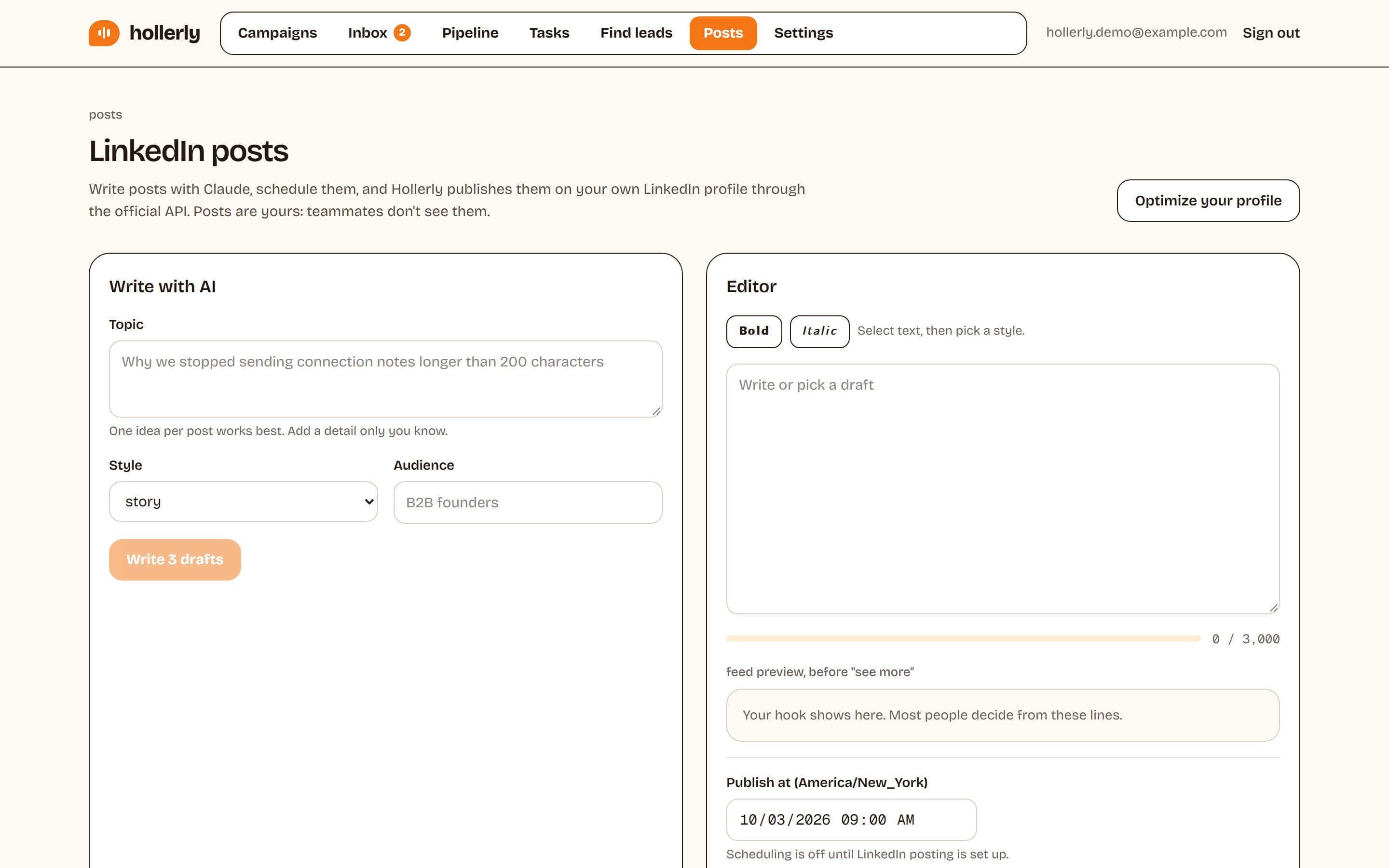
Haven't written the post yet? The AI LinkedIn post generator writes three drafts from one idea.
Hashtags bring new readers, and readers who react are warm leads. Hollerly can turn a post's commenters and reactors into a campaign for LinkedIn lead generation.
FAQ
+Is the LinkedIn hashtag generator free?
Yes. It's free with a Hollerly account, which needs only an email and no card. You can use it for up to 10 posts a day. Each run suggests about 12 hashtags ranked by fit, and you can copy any combination of them with one click.
+How many hashtags should I use on a LinkedIn post?
Three to five is a good ceiling. A few relevant tags help the right people find the post, while a long block of tags looks spammy and buries your last line. Pick one or two best-fit tags, one broader tag and, if it fits, one niche community tag.
+Do hashtags still matter on LinkedIn?
They matter less than the post itself. Hashtags make a post findable in hashtag search and can signal its topic, but reach mostly comes from people engaging early. Use a few relevant tags, then put your effort into a strong first line and a question people want to answer.
Related free LinkedIn tools
Write and schedule the whole post
Hollerly's AI post writer drafts LinkedIn posts in your voice and publishes them at the time you pick. Pro plan, $49 a month.
Start my 7-day free trial