The Best Time to Post on LinkedIn in 2026
The best time to post on LinkedIn, for most B2B audiences, is a weekday during working hours, with midweek late mornings and early afternoons doing well in published studies. That's the general answer. The useful answer is your own: the times your followers are actually on LinkedIn, which you can find in your analytics in a few weeks.
This guide covers what one large, recent study found, why timing matters less than most people think, and a simple four-week test to find your own best time to post.
When is the best time to post on LinkedIn?
LinkedIn is a work network. Most people check it on workdays: before work starts, around lunch and in gaps between meetings. So the safe default is:
- Days: Tuesday, Wednesday and Thursday first; Monday and Friday second; weekends last.
- Times: late morning to mid-afternoon in your audience's main time zone.
- Avoid: late evenings and weekends, unless your analytics say otherwise.
What one recent study found
Sprout Social's 2026 analysis of nearly 2 billion engagements across about 307,000 social profiles (collected from November 27, 2025 to February 27, 2026, times in local time) found that the strongest LinkedIn window was Tuesday from 11 a.m. to 5 p.m. Wednesday and Thursday late mornings and afternoons also performed well, Monday and Friday had narrower windows around midday, and weekends were the weakest days.
| Day | Strongest window in the study |
|---|---|
| Monday | Around 1 to 2 p.m. |
| Tuesday | 11 a.m. to 5 p.m. |
| Wednesday | 11 a.m. to 4 p.m. |
| Thursday | 11 a.m. and 1 to 5 p.m. |
| Friday | Around 11 a.m. to early afternoon |
| Saturday and Sunday | Weakest days |
Any study like this is an average across very different accounts. A recruiter posting for nurses, a SaaS founder posting for CFOs and a designer posting for other designers will each see different peaks, which is why the test below matters more than any chart.
Treat this as a starting point. The study blends many industries and account types. Your audience may be in a different time zone, work shifts, or read LinkedIn on the commute.
Why timing matters less than you'd think
LinkedIn's feed isn't strictly chronological. A post can keep collecting views for a day or more if people engage with it early. Timing helps that first hour go well, but it can't rescue a weak post.
In order of impact, these usually matter more than the minute you publish:
- The first two lines. They decide whether people click "see more".
- Relevance to your audience. A specific lesson for your buyers beats a general update.
- Format. Clear short paragraphs, a list, or a document post that's easy to scan.
- Early conversation. Replying to every comment in the first hour keeps the post moving.
- Consistency. Posting weekly builds an audience that looks for your posts.
Formatting helps more than people expect. Our free LinkedIn text formatter adds bold and italic text, and the post generator can give you a first draft.
How to find your own best time to post on LinkedIn
Your analytics beat any study. Here's a four-week test.
Week 0: check who your audience is
Open your LinkedIn analytics (from your profile or the post analytics on each post) and look at follower and viewer demographics: locations, industries and job titles. Note your audience's main time zone.
Weeks 1 to 4: rotate time slots
| Week | Post 1 | Post 2 |
|---|---|---|
| 1 | Tuesday, 8 to 9 a.m. | Thursday, 12 to 1 p.m. |
| 2 | Tuesday, 12 to 1 p.m. | Thursday, 3 to 4 p.m. |
| 3 | Wednesday, 8 to 9 a.m. | Friday, 11 a.m. to noon |
| 4 | Wednesday, 3 to 4 p.m. | Monday, 12 to 1 p.m. |
Times are in your audience's main time zone. Keep the type of post similar across slots so you're comparing times, not topics.
Measure the right thing
- Impressions after 24 hours, so slow-starting posts get a fair count.
- Engagement rate: reactions, comments and reposts divided by impressions.
- Comments from your target audience, not just total comments.
- Profile visits and inbound messages in the day after posting. That's what matters for leads.
Then repeat
Once you have a winner, keep posting there and recheck every quarter. Audiences shift as your network grows, and a new job, a new market or a run of new followers from one region can move your best time without you noticing. A quick two-week retest each quarter catches it.
Best time to post on LinkedIn by audience
Without your own data yet, adjust the default for who you're writing to:
| Audience | Try first | Why |
|---|---|---|
| Office-based B2B buyers | Tue to Thu, late morning | Matches the working day |
| Executives | Early morning, before 9 a.m. | Often read before meetings start |
| Founders and freelancers | Lunchtime and early evening | Less fixed schedules |
| Global audience | Morning in Europe, which is early in the US East | Overlaps two big regions |
| Shift workers, healthcare, retail | Test evenings and weekends | Different working patterns |
These are hypotheses to test, not rules. If your analytics disagree, trust the analytics.
Time zones: posting for an audience in several regions
If your audience spans regions, "11 a.m." means different things to different readers. A few ways to handle it:
- Post for your biggest segment. Check your follower locations and pick the time zone with the most of your buyers.
- Use overlap windows. Late morning in the UK is early morning on the US East Coast, which catches both. Late afternoon on the US East Coast reaches the West Coast around lunch.
- Rotate. Alternate posts between the main time zones and compare results in your analytics.
- Schedule, don't stay up. If your audience's best time is the middle of your night, use a scheduler.
Remember the daylight saving changes in spring and autumn. Regions switch on different dates, so overlap windows shift for a week or two.
Reading your LinkedIn post analytics
LinkedIn shows analytics for each post and for your profile overall. When you're testing posting times, these are the numbers worth writing down for each post:
| Metric | Where to find it | What it tells you about timing |
|---|---|---|
| Impressions | Post analytics | How many feeds the post reached |
| Reactions and comments | Post analytics | Whether the people who saw it cared |
| Engagement rate | Reactions, comments and reposts divided by impressions | Quality of reach, comparable across posts |
| Viewer demographics | Post analytics | Whether you reached your buyers or just your peers |
| Profile views | Profile analytics | Whether the post sent people to your profile |
| Followers gained | Profile or post analytics | Longer-term audience growth |
Keep a simple spreadsheet with the post date, time, topic and these numbers. After eight posts you'll usually see a pattern. Compare engagement rate rather than raw impressions, because one post that travels unusually far can skew the totals.
Don't overreact to one post
A single post that does well at an odd hour is probably about the topic, not the time. Look for patterns across several posts before you change your schedule.
What to post when
Some content suits some moments better. These are starting points, not rules:
- Early week: practical how-to posts and checklists, when people are planning their week.
- Midweek: opinions, lessons learned and stories, when attention is steadiest.
- Late week: lighter reflections, results and recaps.
- Any day: replies to comments on your previous post. Conversations keep your recent posts visible.
Whatever the day, open with a line that makes your buyer want to read the second line. That matters more than the clock.
Posting, prospecting and timing together
Posts and outreach work best together. When someone gets your connection request, many check your profile and your latest post. A recent, useful post makes the request easier to accept.
- Post on the days you send the most invitations, so new contacts see fresh activity.
- Reply to comments on your post before you send your outreach for the day.
- Turn people who comment on your posts into warm prospects. A short, specific note about their comment works well.
If you want a deeper system, our LinkedIn lead generation guide shows how content, outreach and replies fit together.
Scheduling with Hollerly
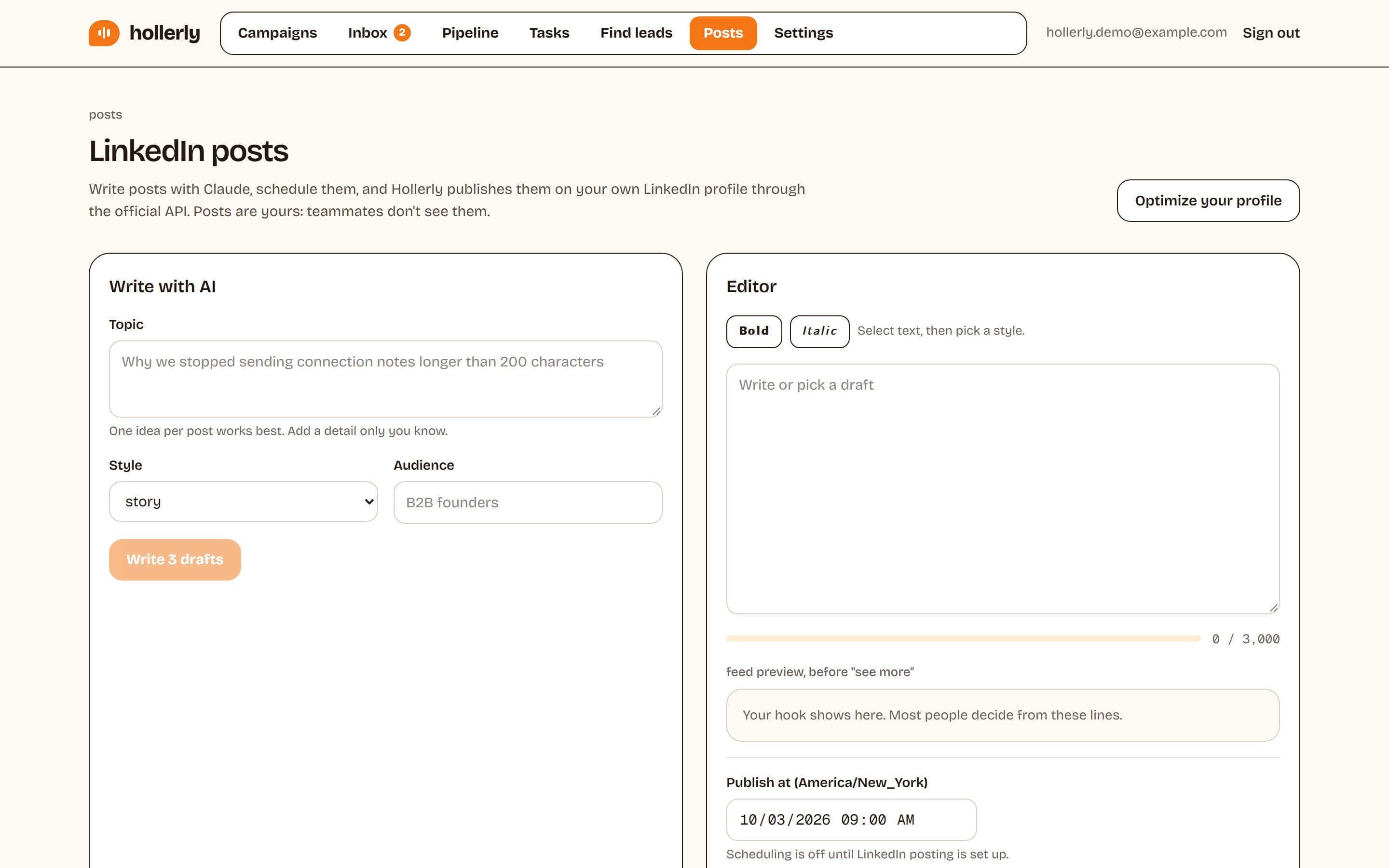
Hollerly Pro includes an AI LinkedIn post writer and scheduler that publishes through LinkedIn's official API, so you can write posts in a batch and schedule them for the times your analytics favor. The same account runs your outreach sequences and inbox, so people who engage with a post can flow into LinkedIn lead generation campaigns. Plans are on our pricing page.
FAQ
+When is the best time to post on LinkedIn?
For most B2B audiences, weekdays during working hours work best, especially Tuesday to Thursday from late morning to mid-afternoon in your audience's time zone. A 2026 Sprout Social study found Tuesday from 11 a.m. to 5 p.m. strongest. Check your own LinkedIn analytics, because your audience may differ.
+What is the worst time to post on LinkedIn?
Weekends and late evenings are usually the weakest times, because most people use LinkedIn for work. Sprout Social's 2026 study found Saturday and Sunday the worst days. Exceptions exist: audiences of shift workers, students or founders may be active at other times, so test before ruling them out.
+How often should I post on LinkedIn?
One to three posts a week is a sustainable range for most people. Consistency matters more than volume: a reliable weekly post builds an audience that expects your content. Posting several times a day rarely helps and can split engagement between your own posts.
Get replies without the busywork
Hollerly finds the people, writes every message with AI and follows up on LinkedIn and email until they reply. Runs in the cloud, from $19 a month.
Start my 7-day free trial