LinkedIn Xray Search Builder
A LinkedIn xray search uses Google to find LinkedIn profiles, with operators like site:linkedin.com/in, quotes and OR. This builder writes the string for you: add job titles, locations, companies, must-have words and exclusions, then open it in Google or copy it.
It also builds a matching LinkedIn Boolean search for LinkedIn's own search box. Free, no signup, nothing leaves your browser.
site:linkedin.com/in ("VP Sales" OR "Head of Sales") "London" SaaS -recruiter -intern
("VP Sales" OR "Head of Sales") AND SaaS NOT (recruiter OR intern)
Location isn't part of the Boolean string: set it with LinkedIn's Locations filter after you search.
LinkedIn xray search: how it works
Google indexes public LinkedIn profiles. An X-ray search asks Google to look only inside LinkedIn and only at profiles, then filters by the words on them:
site:linkedin.com/in ("VP Sales" OR "Head of Sales") "London" SaaS -recruiter -intern
site:linkedin.com/inlimits results to personal profiles. Uselinkedin.com/companyfor company pages orlinkedin.com/postsfor posts.- Quotes keep a phrase together:
"Head of Sales". OR(in capitals) matches any of the terms in the brackets.- A minus sign excludes a word:
-recruiter.
Why use X-ray instead of LinkedIn search?
Google doesn't apply LinkedIn's search limits for free accounts, it can search people outside your network, and it doesn't use up LinkedIn's commercial use limit. The trade-off: you only see what's public and indexed, results can be out of date, and Google only reads about the first 32 words of a query. The builder warns you when you go over.
LinkedIn boolean search
LinkedIn's own search box and Sales Navigator accept Boolean operators too. A LinkedIn Boolean search uses AND, OR, NOT, quotes and brackets, all in capitals:
("VP Sales" OR "Head of Sales") AND SaaS NOT (recruiter OR intern)
Location isn't part of a LinkedIn Boolean string. Run the search, then add the Locations filter. In Sales Navigator, put titles in the Current job title filter for cleaner results than keywords alone.
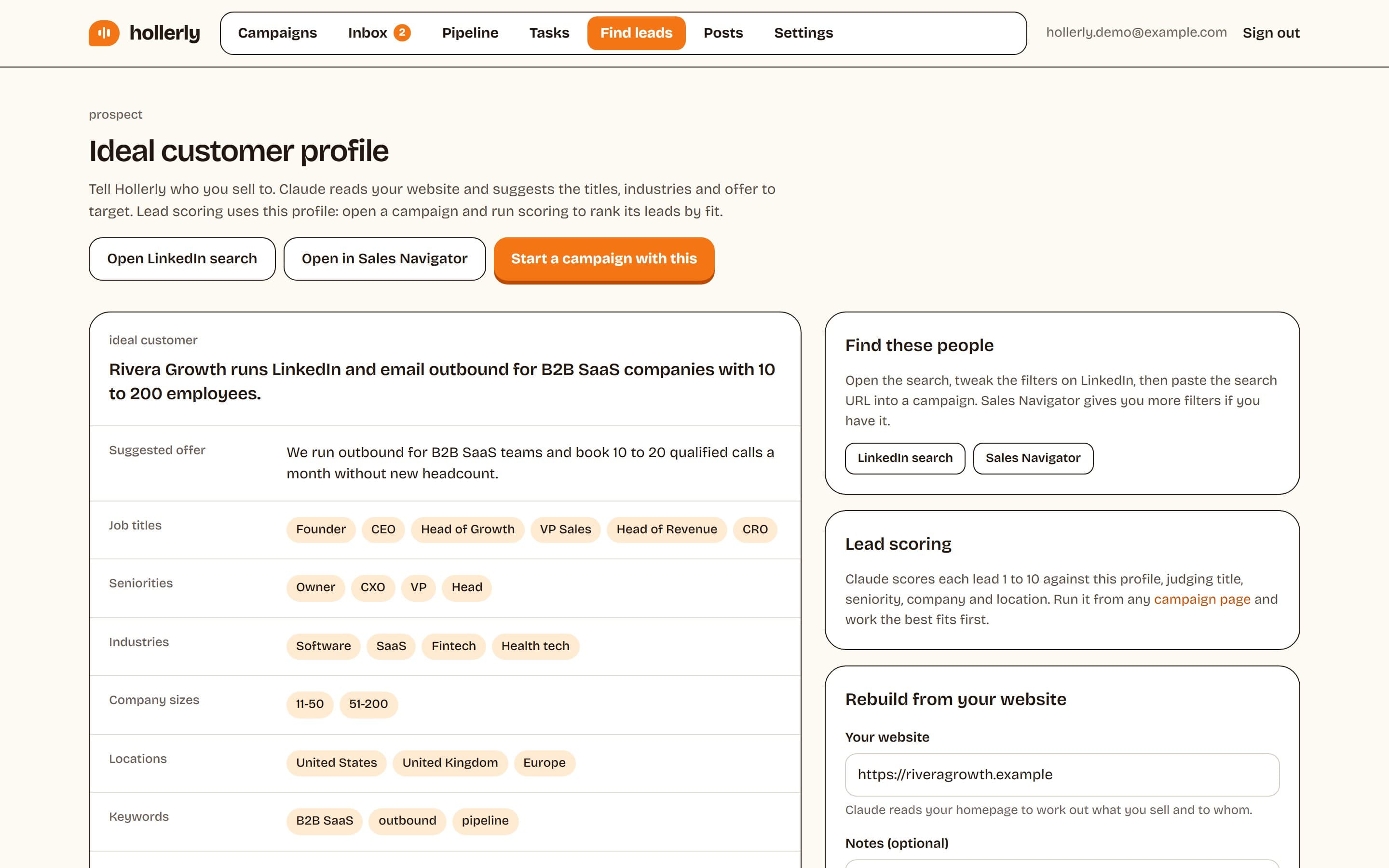
Found the right people? Copy the LinkedIn or Sales Navigator search URL into Hollerly and it builds the lead list for you. Read more about LinkedIn prospecting with Hollerly.
How to use the tool
- Choose what to search: people profiles, company pages or posts.
- Add job titles separated by commas. Any of them can match.
- Add locations and, if you like, current or past companies.
- Add words that must appear (like an industry) and words to exclude.
- Click Open in Google for the X-ray search, or Open in LinkedIn for the Boolean version. Copy either string with one click.
Have a name and company but no email? The free LinkedIn email finder looks up publicly listed work emails. Writing the first message? Try the AI LinkedIn message generator.
FAQ
+What is a LinkedIn X-ray search?
A LinkedIn X-ray search is a Google search limited to LinkedIn with the site: operator, for example site:linkedin.com/in plus job titles and a location in quotes. It finds public LinkedIn profiles without using LinkedIn's own search, which helps on free accounts or when you hit LinkedIn's search limits.
+Is LinkedIn X-ray search legal?
Searching Google for public pages is ordinary web search. What you do next matters: viewing profiles and reaching out personally is normal, while bulk-copying data can break LinkedIn's terms and privacy laws like GDPR. Use X-ray to find people, then contact them through LinkedIn or a business email.
+Why does my X-ray search return few results?
Usually the query is too narrow. Exact phrases in quotes must match word for word, and every extra term filters more. Try fewer must-have words, add title variants with OR, and drop the company. Google also only reads about 32 words, so very long strings get cut off.
Related free LinkedIn tools
Found them? Let Hollerly reach out.
Paste a LinkedIn or Sales Navigator search into Hollerly and it writes each connection note with AI, sends inside safe daily limits and follows up until people reply. From $19 a month.
Start my 7-day free trial